Remove Background From Video Online

AI removes the background behind your subject for a clean video cutout. Create transparent videos, solid color backgrounds, or green screen clips.

Drag & drop your video here

or click the button below to browse

Up to 100MB per file - Fast processing

AI-powered

Clean edges

Private & secure

Your videos stay safe

Keep Audio

No audio removal

Core Highlights

Core Highlights When You Remove Background From Video

Remove background from video with cleaner subject separation, sharper focus, and flexible result options. Turn ordinary footage into transparent clips, color backgrounds, green screen edits, and reusable video assets.

Remove Background From Video Without Green Screen

AI separates the subject from regular video scenes without studio setup, chroma key fabric, or frame-by-frame masking.

Clean Subject Cutout With Natural Edges

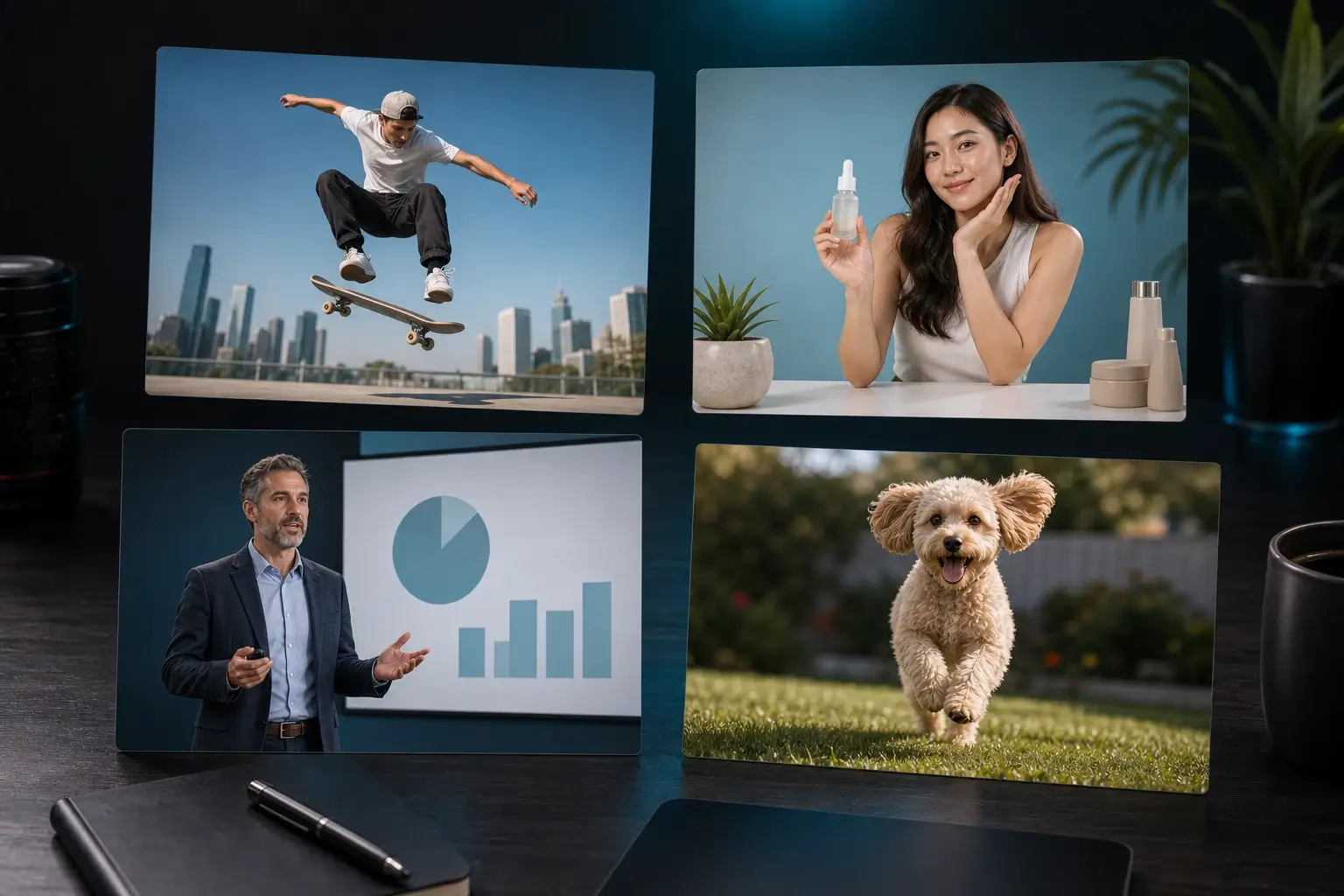
Create a cleaner foreground with smoother edges around hair, hands, clothing, products, pets, and moving details.

Transparent, Color, or Green Screen Results

Turn the removed background into a transparent video, a clean solid-color background, or a green screen clip for further editing.

Reusable Clips for Real Content Workflows

Prepare clean video assets for social posts, product demos, presentations, ads, overlays, custom backgrounds, and branded layouts.

Output Options

Choose the Right Background Result

After AI removes the original scene, choose a result that fits your next edit. Use transparent video for overlays, solid colors for clean publishing, or green screen for chroma key workflows.

Transparent Video Background

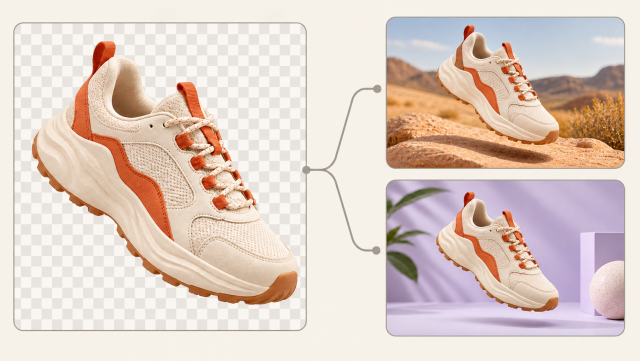
Create a foreground subject with a transparent background for overlays, motion graphics, landing pages, product visuals, and video compositing.

Solid Color Background

Replace the removed background with a clean color such as white, black, gray, blue, or green. A simple background keeps the subject clear and consistent.

Green Screen Background

Use a green screen result when you want to continue editing with chroma key tools in Premiere Pro, Final Cut, CapCut, After Effects, or similar editors.

Product and Social Backgrounds

Prepare subject cutouts that fit product pages, thumbnails, short-form videos, ads, and branded layouts without the clutter of the original scene.

Replacement-Ready Cutout

Use the clean foreground clip with image backgrounds, custom video backgrounds, slides, scenes, and campaign designs in your editing workflow.

Clean Subject Focus

Reduce background noise and keep attention on the person, product, pet, or object that matters most in the video.

Benefits

Why Use This AI Video Background Remover?

Designed for creators and teams that need cleaner video assets, stronger subject focus, and reusable results without complex desktop editing.

Cleaner Subject Focus

Remove visual clutter behind the subject so viewers focus on the person, product, pet, or object.

Natural Edges and Motion

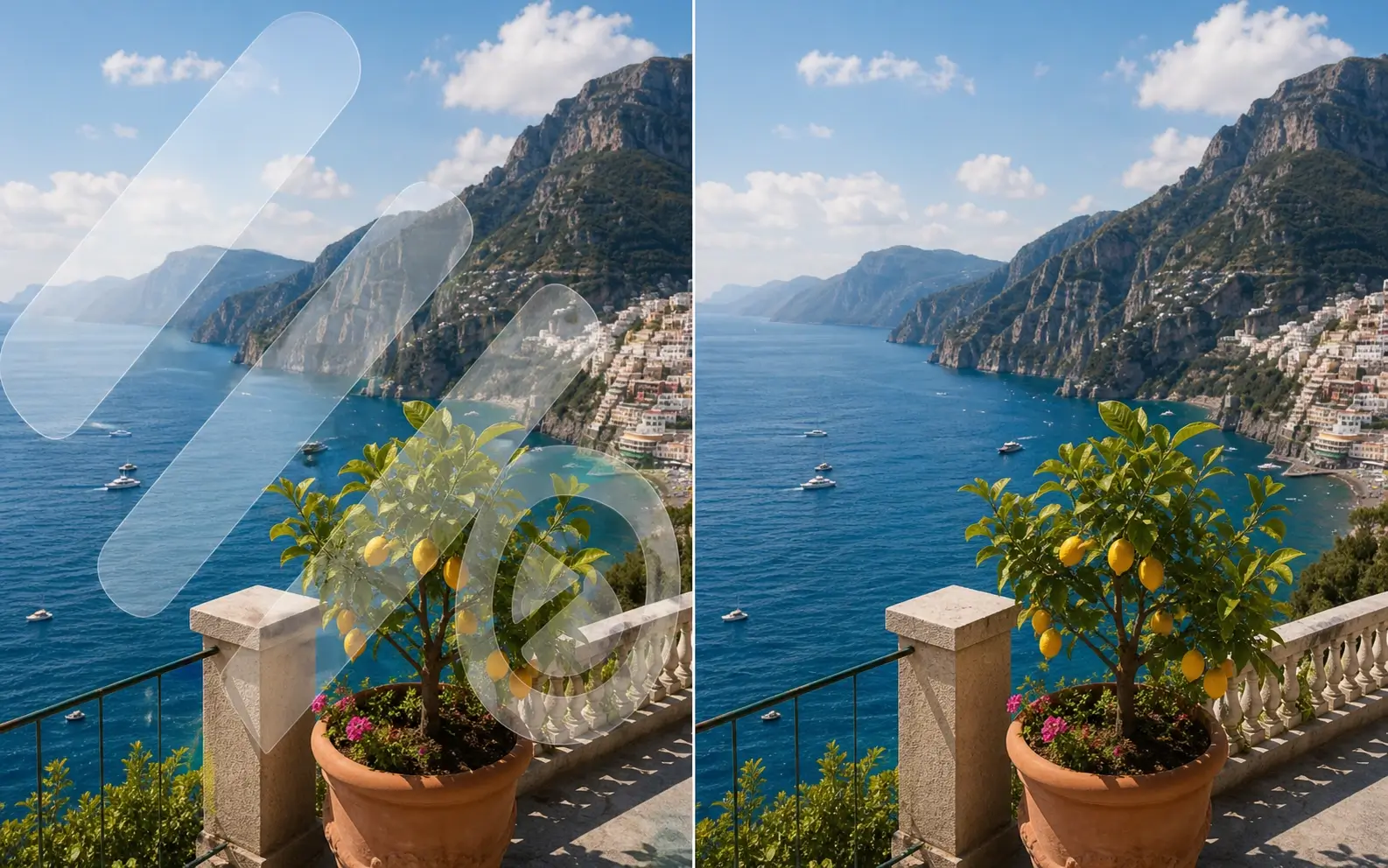
Preserve believable edges around hair, hands, clothing, products, and movement for a cleaner final result.

No Green Screen Needed

Create a clean cutout from regular footage without green fabric, studio lighting, or complex chroma key setup.

Reusable Creative Assets

Turn one source clip into foreground material for ads, explainers, thumbnails, landing pages, product visuals, and social versions.

Faster Online Workflow

Handle background cleanup in a focused browser workflow instead of opening a full video editing timeline for a simple cutout job.

Fits Common Video Projects

Use the result across social clips, product demos, course content, webinars, presentations, ecommerce pages, and UGC campaigns.

Popular Ways to Remove Background From Video

Use video background removal when the original scene distracts from the subject or when the same clip needs to work in multiple formats.

Talking-Head Videos and Lessons

Remove a room or office scene behind a speaker before building lessons, explainers, course clips, and tutorial videos.

TikTok, Reels, and Shorts

Separate a creator from a busy location and reuse the subject across short-form edits, hooks, thumbnails, and platform-specific versions.

Product Demos and Ecommerce

Remove the background around a product demo so the item fits clean store pages, marketplace layouts, and campaign visuals.

Webinars and Presentation Clips

Place a presenter beside slides, demos, or branded layouts for cleaner recaps, onboarding content, sales decks, and training assets.

Ads and UGC Campaigns

Turn raw creator footage into a reusable foreground element that matches different brand scenes and paid creative variants.

Motion Graphics and Overlays

Create cutout clips for web pages, intros, app demos, stream overlays, motion design, and custom background workflows.

How to Remove Background From Video Online

Use this focused workflow to remove background from video and create a clean result for transparent export, solid color backgrounds, green screen edits, and reusable content assets.

1

Upload a Clear Video

Choose an MP4, MOV, WebM, or common phone recording. Clear lighting and a visible subject create cleaner separation.

2

Choose the Background Result

Select transparent, solid color, or green screen based on how you want to use the clip.

3

Remove the Background With AI

AI separates the foreground subject from the original scene while preserving motion and edge detail.

4

Export a Clean Video

Save the result for social edits, product pages, presentations, ads, overlays, or your next editing workflow.

AI Features Built for Video Background Removal

The strongest video background results depend on subject separation, frame-to-frame stability, edge detail, and practical output options.

AI Subject Segmentation

Detects the foreground subject and separates it from the original video scene for clean video background removal.

Motion-Aware Consistency

Keeps the subject mask stable across frames so the cutout looks cleaner when people, products, or objects move.

Hair, Hands, and Fine Edge Detail

Improves detailed areas where rough masks are most visible, including hair outlines, fingers, clothing edges, and product contours.

Transparent Video Preparation

Prepares the foreground subject for transparent video workflows, overlays, compositing, motion graphics, web visuals, and app demos.

Background Replacement Workflow

Supports clean result styles for color backgrounds, green screen edits, custom video backgrounds, image backgrounds, and branded scenes.

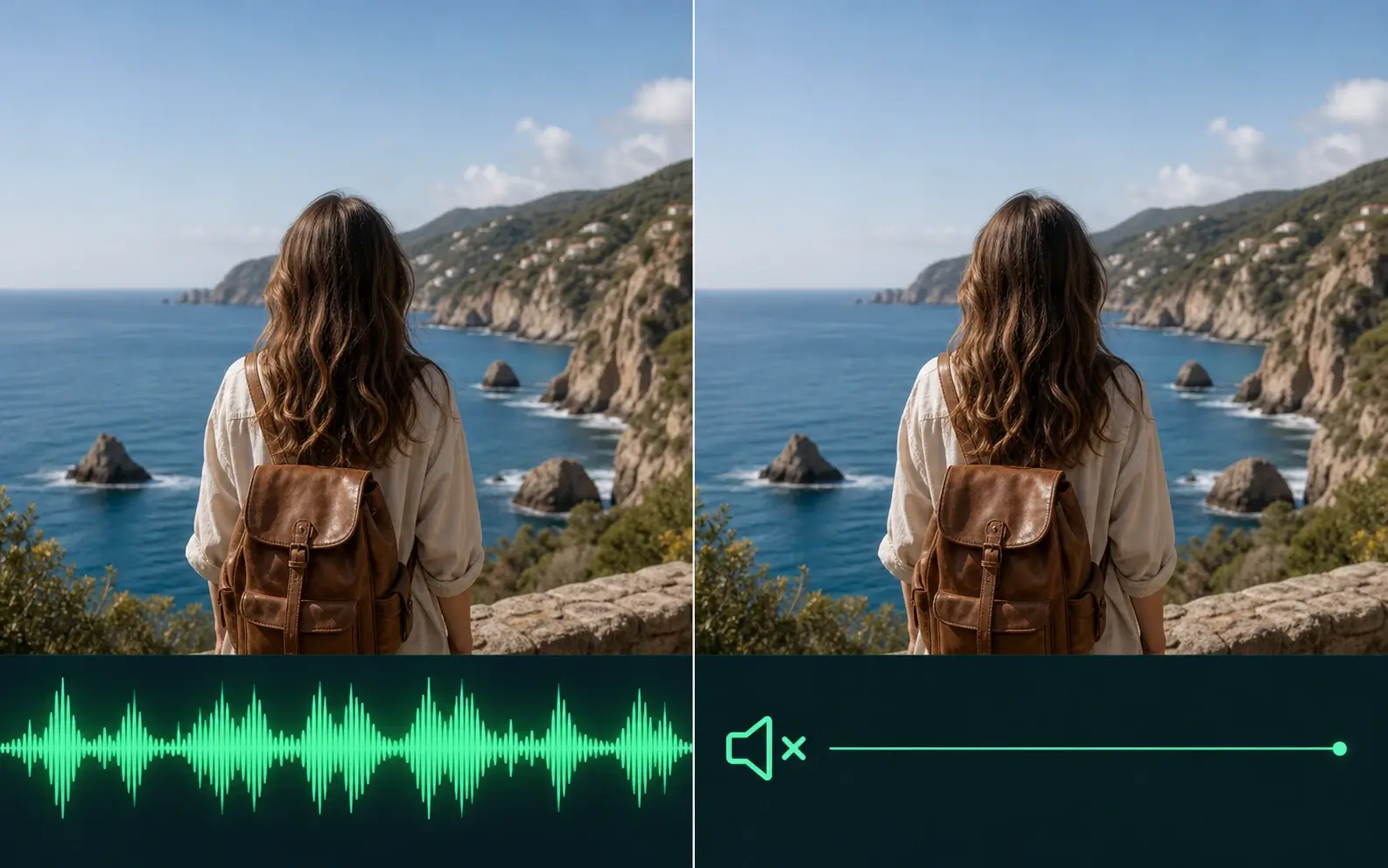
Original Audio Preserved

Keep the original audio while removing the visual background, so talking-head videos, lessons, product demos, and social clips stay complete.

Remove Background From Video FAQ

Answers to common questions about how to remove background from video, transparent backgrounds, green screen results, formats, quality, audio, and editing workflows.

Remove Background From Video is an online AI tool that separates the foreground subject from the original scene. It helps create clean cutouts, transparent videos, solid color backgrounds, green screen clips, and reusable video assets.

Yes. You can remove background from video with AI, without green fabric or chroma key setup. Clear lighting and subject contrast create cleaner edges.

Yes. It uses AI video background removal to detect the subject across frames and separate it from the original scene.

Yes. Remove background from video online in a browser and turn the result into a transparent, color, or green screen clip.

Yes. Choose a transparent result to create a foreground video for overlays, compositing, motion graphics, landing pages, ads, and social content.

Yes. After you remove background from video, choose a solid color, transparent background, or green screen result. You can also use the clean subject in custom background workflows.

Yes. It works as a video background changer by removing the original scene and giving you clean result options for background replacement.

After you remove background from video, use the clean cutout with image backgrounds, custom video backgrounds, slides, branded scenes, or another editing workflow.

Yes. You can remove background from video files such as MP4, MOV, and WebM. Use the highest-quality source for cleaner edges and motion.

MP4 works for solid-color, green screen, and replaced-background videos. For a transparent video background, use transparent-ready output formats when available.

This tool focuses on removing the video background. For a blurred background style, remove the background first and place the clean subject over a blurred scene in your editing workflow.

AI background removal is designed to preserve fine edges and motion consistency. Clear footage, good lighting, and visible subject boundaries create cleaner results.

Talking-head clips, product demos, lessons, presentation footage, UGC ads, and short-form social videos work well when the subject is clear and separated from the scene.

Yes. Creators use clean video cutouts for TikTok, Instagram Reels, YouTube Shorts, livestream clips, UGC ads, thumbnails, and platform-specific versions.

Yes. Keep the original audio while you remove background from video, so speaker clips, lessons, product demos, and social videos stay complete.

Remove Background From Video Now

Create a clean subject cutout for transparent videos, solid color backgrounds, green screen edits, social posts, product demos, presentations, custom backgrounds, and ads.

Remove Background From Video Online | AI Video Background Remover