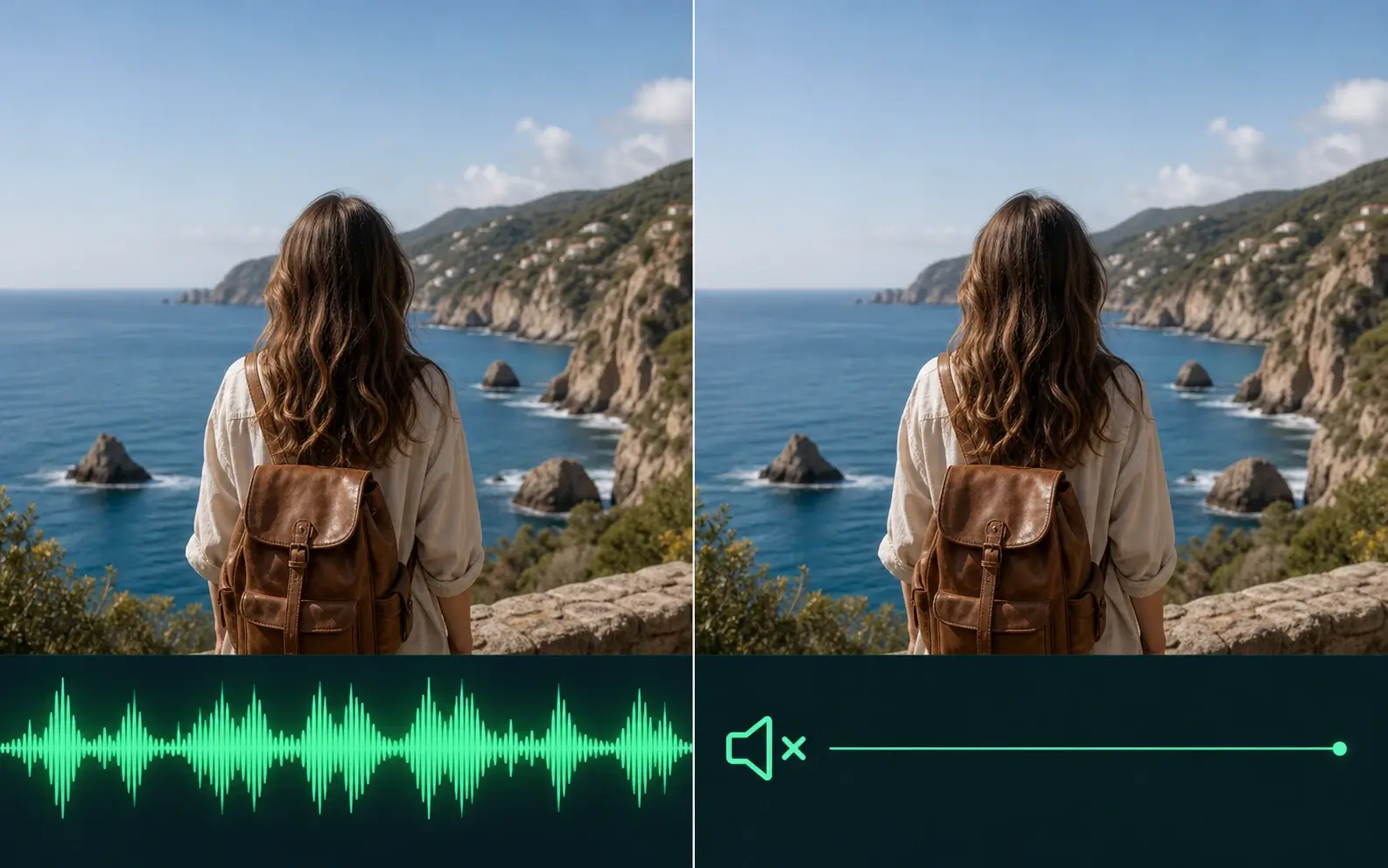
Remove Hardcoded Text From Video
Erase titles, names, channel text, and other words that are permanently baked into the video frame. AI removes the unwanted text while rebuilding the covered background instead of simply blurring it.
Remove Text Now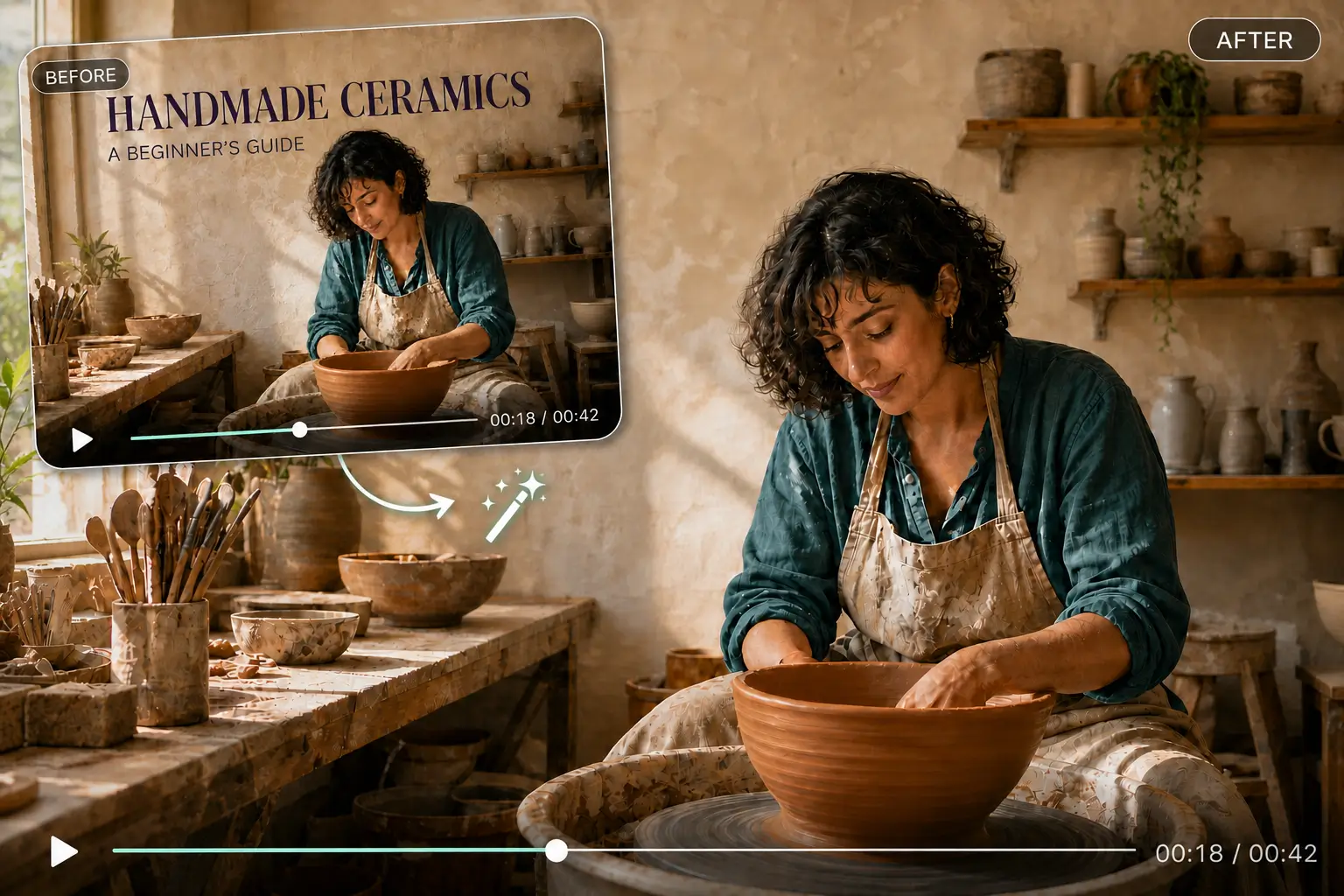
AI Video Text Removal
Remove text, captions, subtitles, watermarks, and unwanted overlays from video online with AI while keeping footage natural, clear, and ready to reuse.
Drop or choose a video
Supports MP4, MOV, WEBM
Text Removal Examples
Compare common text-removal scenarios, from hardcoded titles and captions to overlays and labels, before processing your own video.
Remove text that is baked directly into the video frame while preserving the surrounding scene and motion.
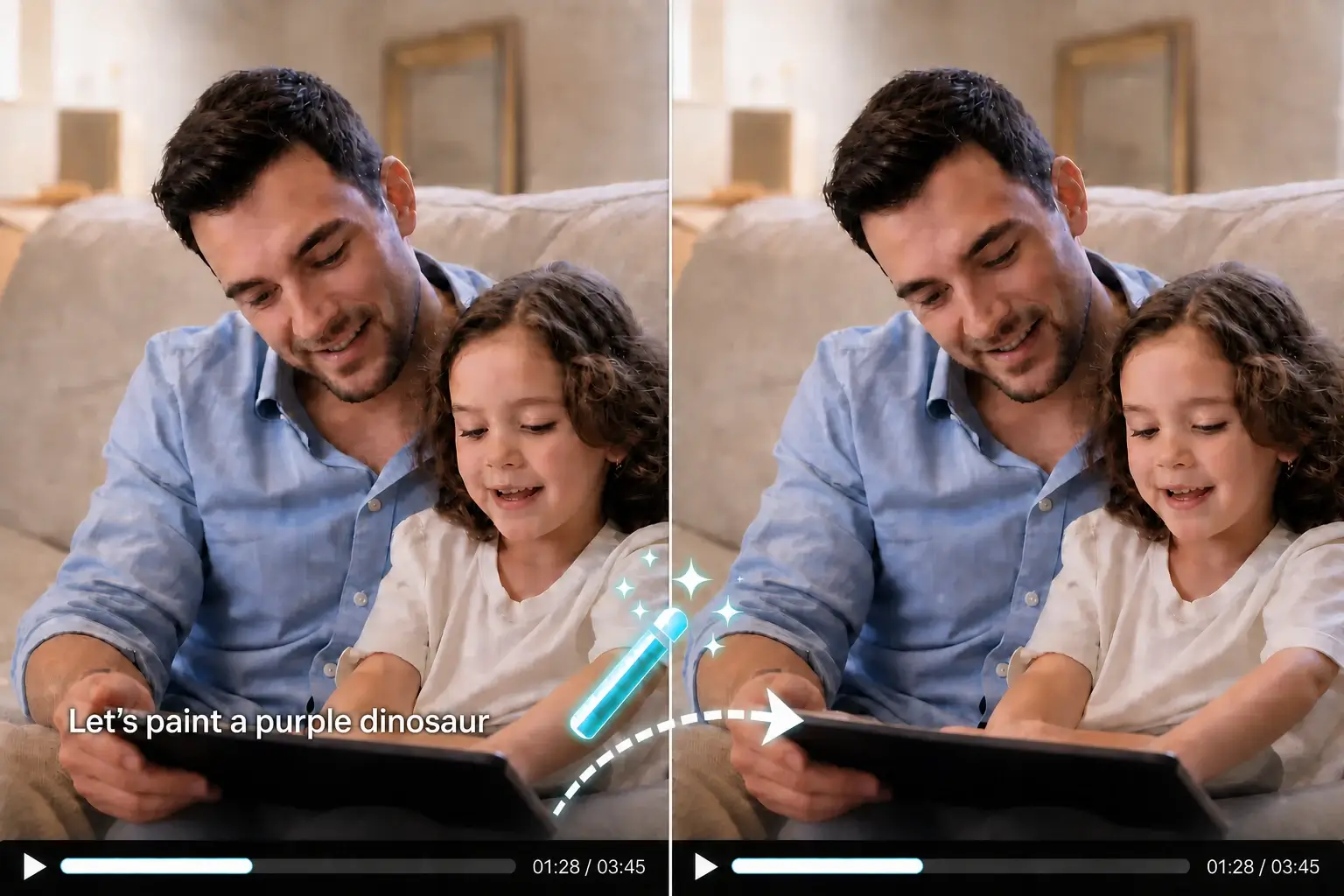
Clean embedded captions and subtitles so footage can be reused, localized, or edited with new text.
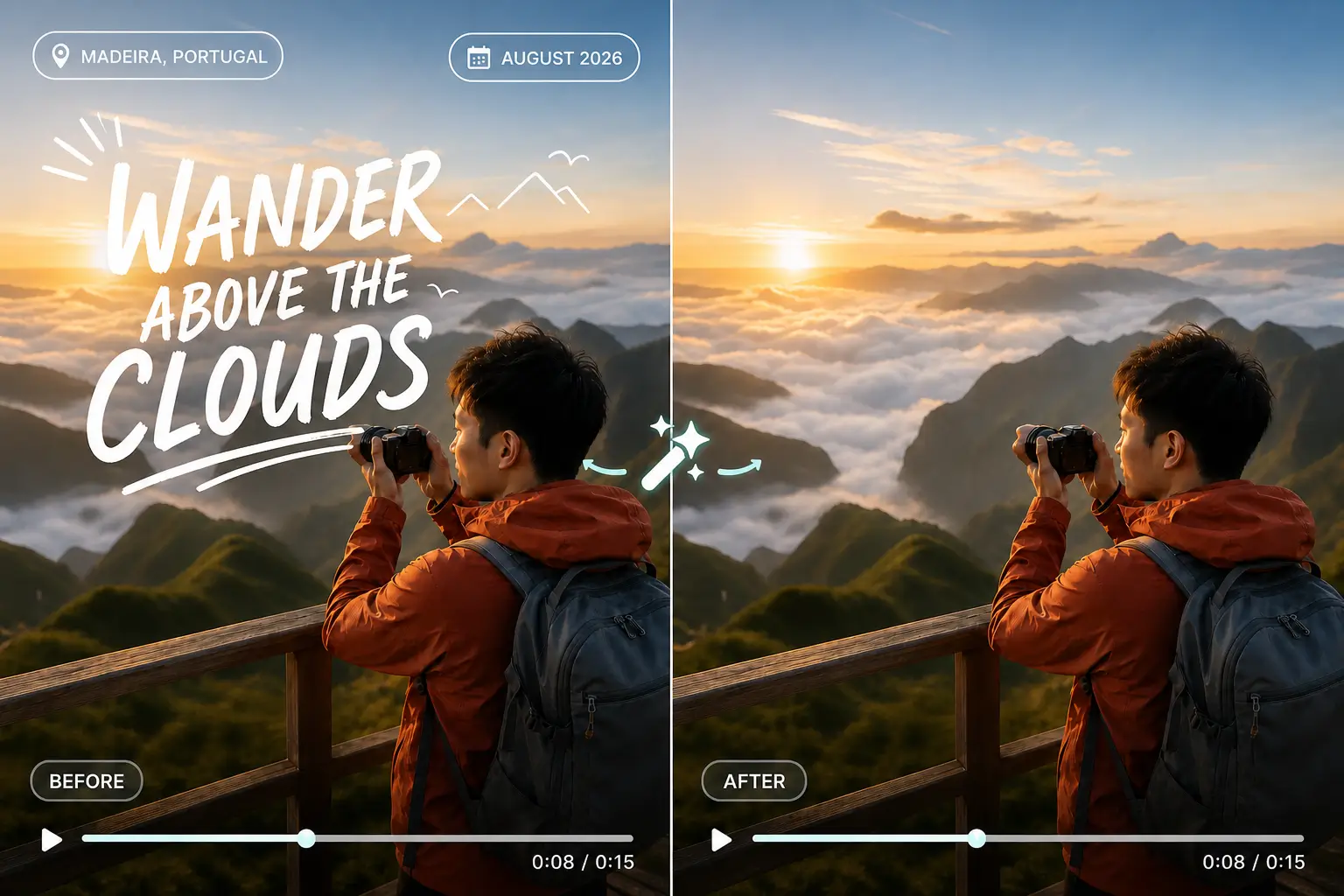
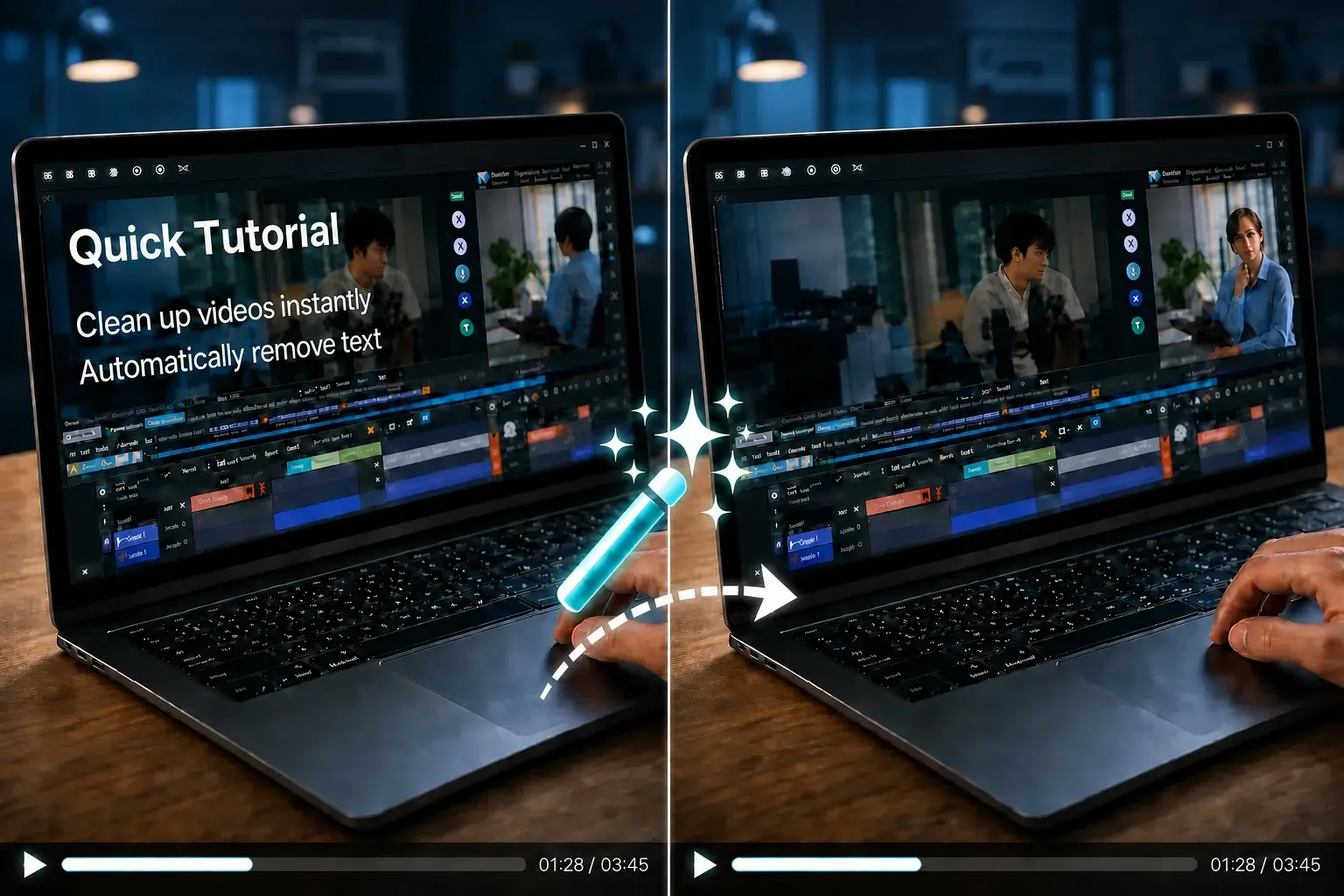
Clear labels, lower thirds, date stamps, and other text overlays without cropping the original frame.
Video Text Removal
Remove different types of embedded and on-screen text from video, including captions, subtitles, titles, labels, and timestamps.
Erase titles, names, channel text, and other words that are permanently baked into the video frame. AI removes the unwanted text while rebuilding the covered background instead of simply blurring it.
Remove Text NowClean burned-in captions and hardcoded subtitles from tutorials, movies, short videos, and localized content. Remove the embedded text first, then reuse the footage with new captions or translations.
Remove Captions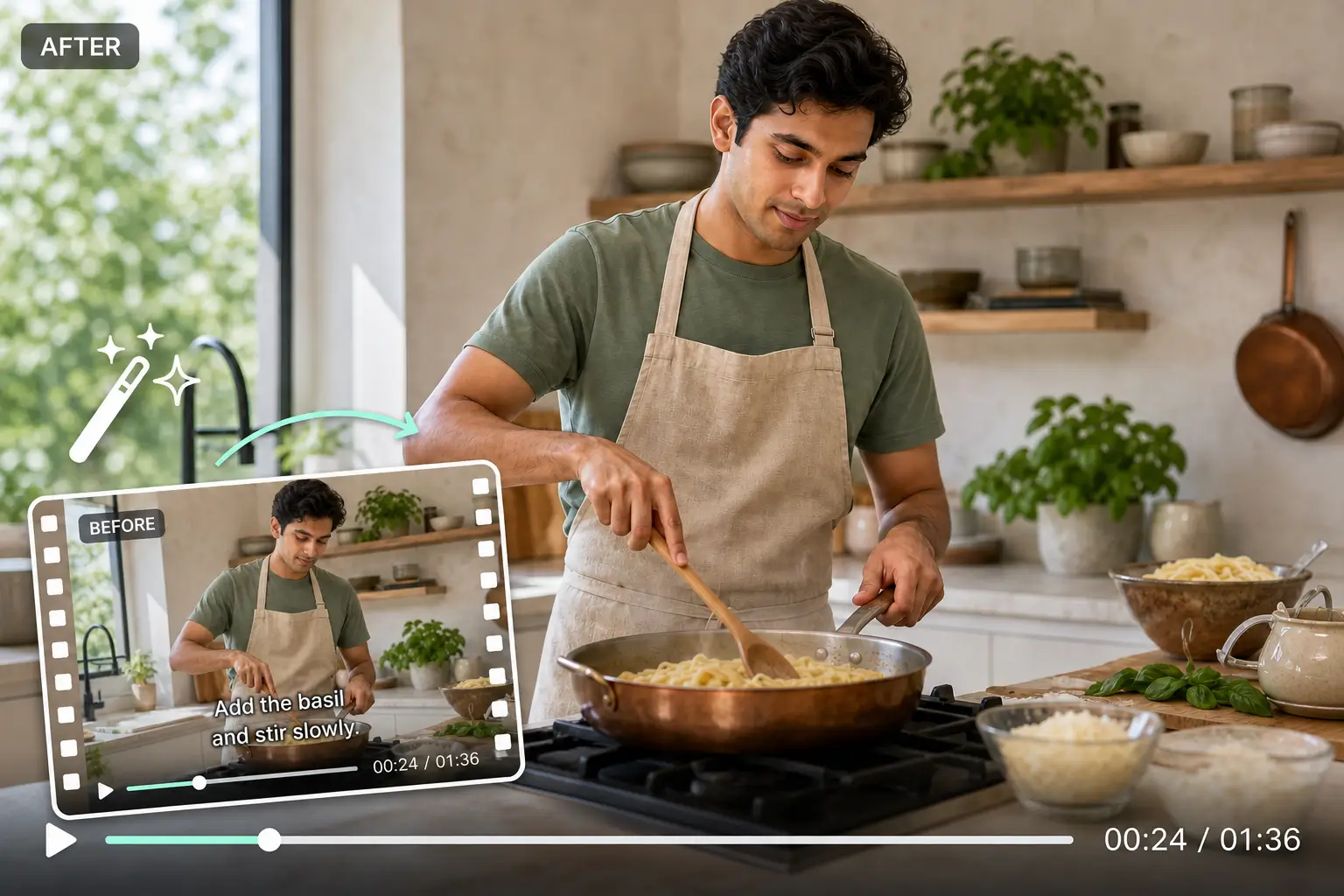
Delete promotional text, usernames, lower thirds, calls to action, and other on-screen overlays without cropping the whole video. This is useful when repurposing marketing, social, or archived footage.
Remove an Overlay
Clear date stamps, location labels, device text, screen-recording labels, and other fixed text that distracts from the footage while keeping the original frame dimensions.
Clean Video Text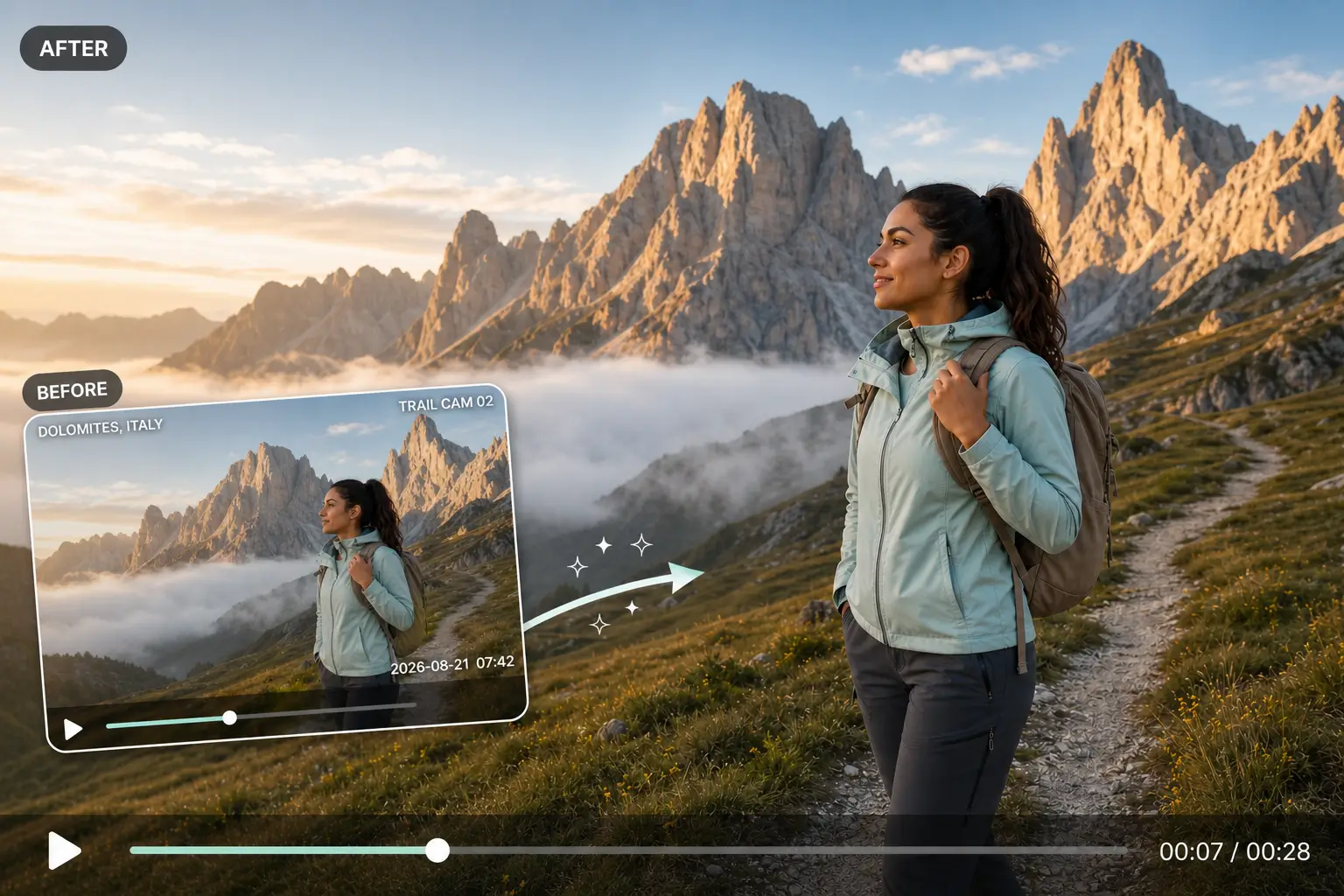
Upload a video, identify the text you want to clean, let AI rebuild the covered area, and download the finished result.
More Removal Options
Use dedicated workflows for watermarks, logos, objects, backgrounds, and audio.
Use the dedicated video watermark remover to clean visible watermarks, brand marks, and fixed overlays from videos you own or are authorized to edit. Target the watermark area without cropping the whole frame, then review the cleaned result before download.
Remove Watermark From Video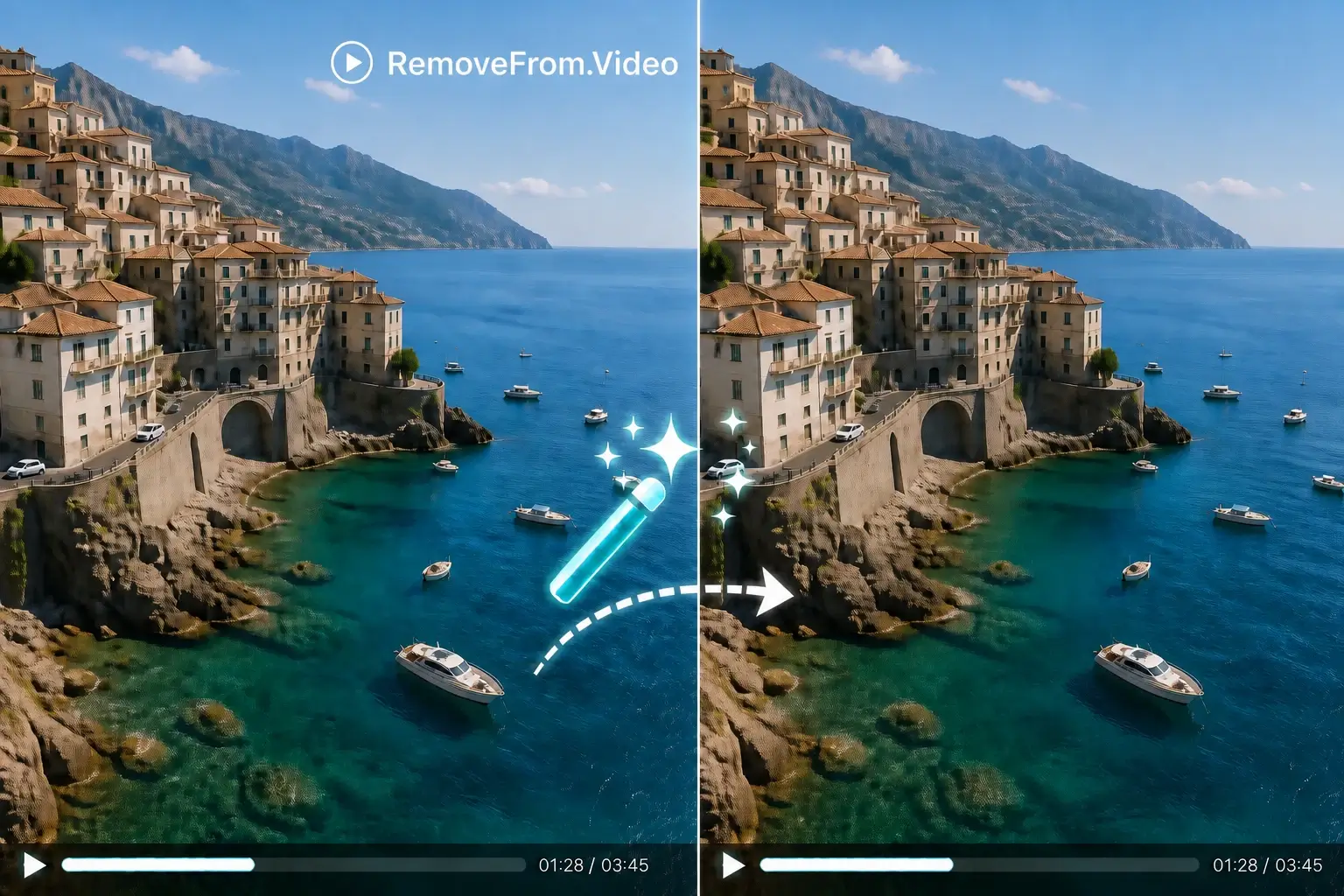
Use focused tools for logos, people, props, scene distractions, video backgrounds, and audio, with a workflow designed for each type of removal.
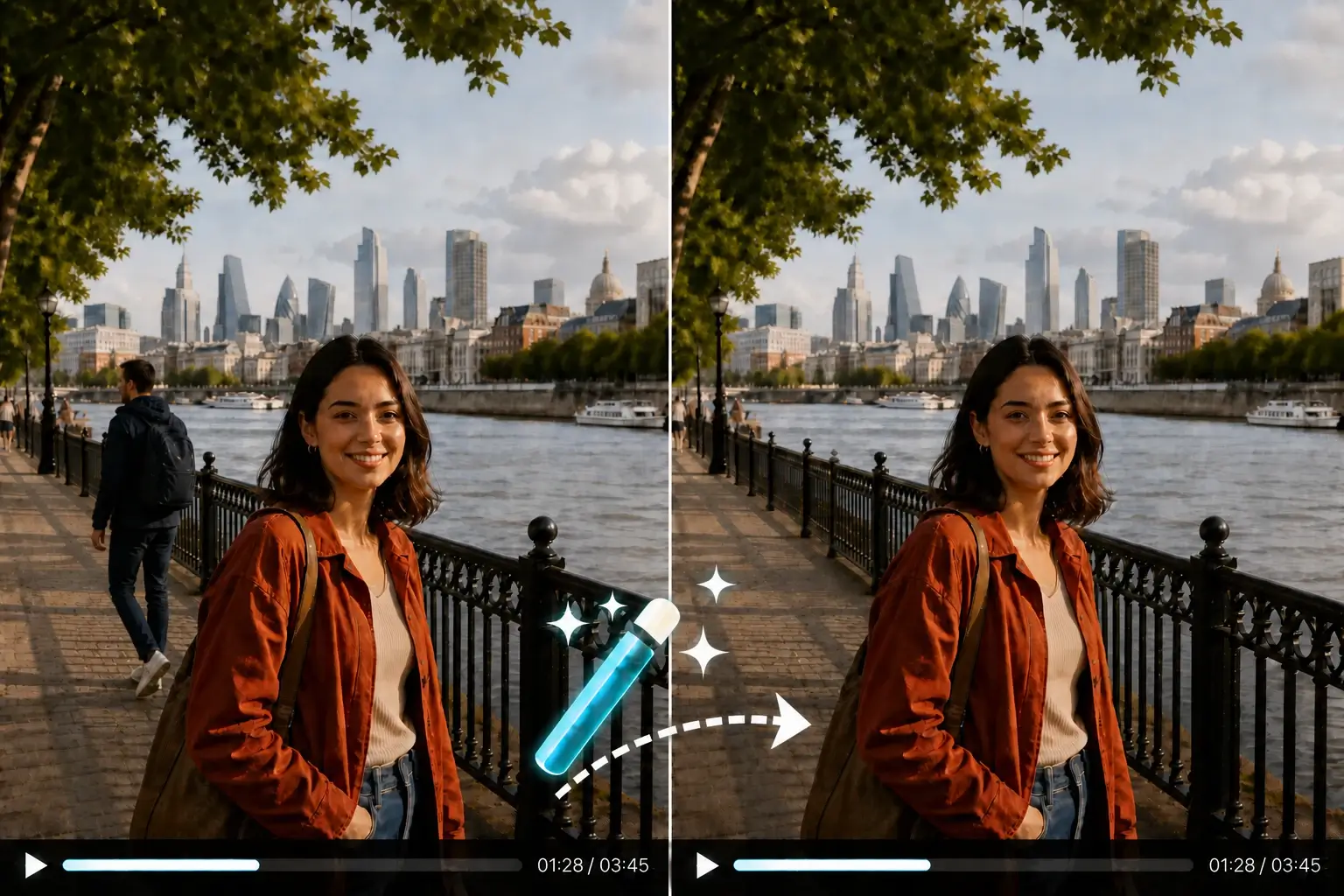
Video Tools
Choose a focused tool for removing logos, objects, backgrounds, or audio from your video.
Remove old text and visual marks before adapting footage for social media, localization, tutorials, marketing, and personal projects.
Why RemoveFrom.Video
Remove text and other unwanted video elements without learning a complex editor or manually retouching every frame.
Creators, marketers and educators use Remove From Video to clean and reuse videos faster.
Common questions about video text removal, watermarks, quality, formats, and online processing.
Clean text, captions, subtitles, watermarks, and other unwanted overlays from video with AI, then download footage that is ready to reuse.