Remove burned-in text, hardcoded captions, subtitles, and on-screen overlays with AI-assisted detection and optional manual selection for clean, natural-looking results.
Drag & drop your video here or click to upload
Supports MP4, MOV, WEBM
Our AI video text remover handles every type of on-screen text. Remove text from video clips whether it is hardcoded text, burned-in captions, overlay titles, or date stamps. The AI detects and erases text while reconstructing the background naturally.
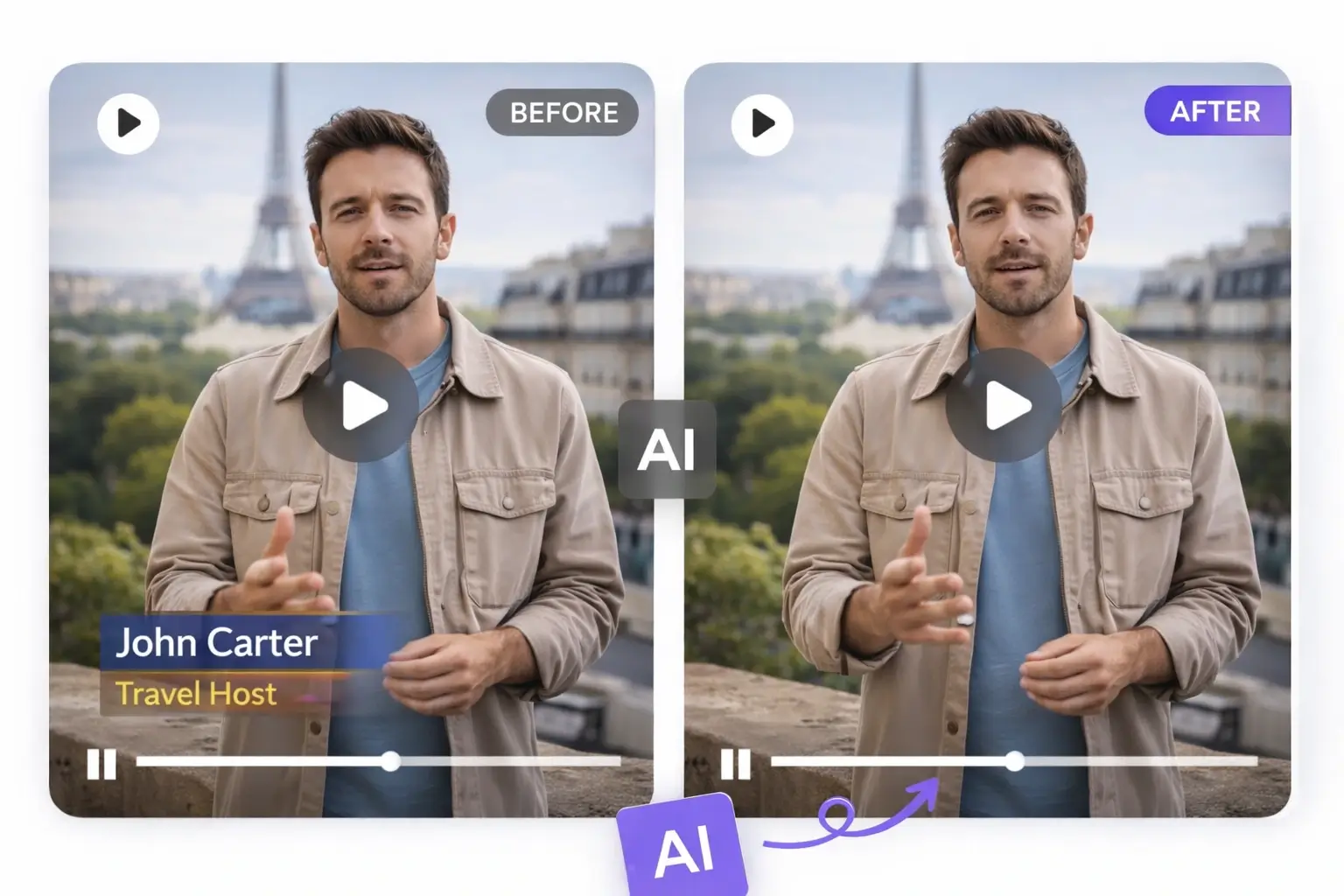
Erase burned-in text and hardcoded titles that are permanently embedded in video frames. Whether it is a title card, lower-third graphic, or channel name baked into the footage, the AI text remover detects and removes text from video while keeping the background clean and natural.
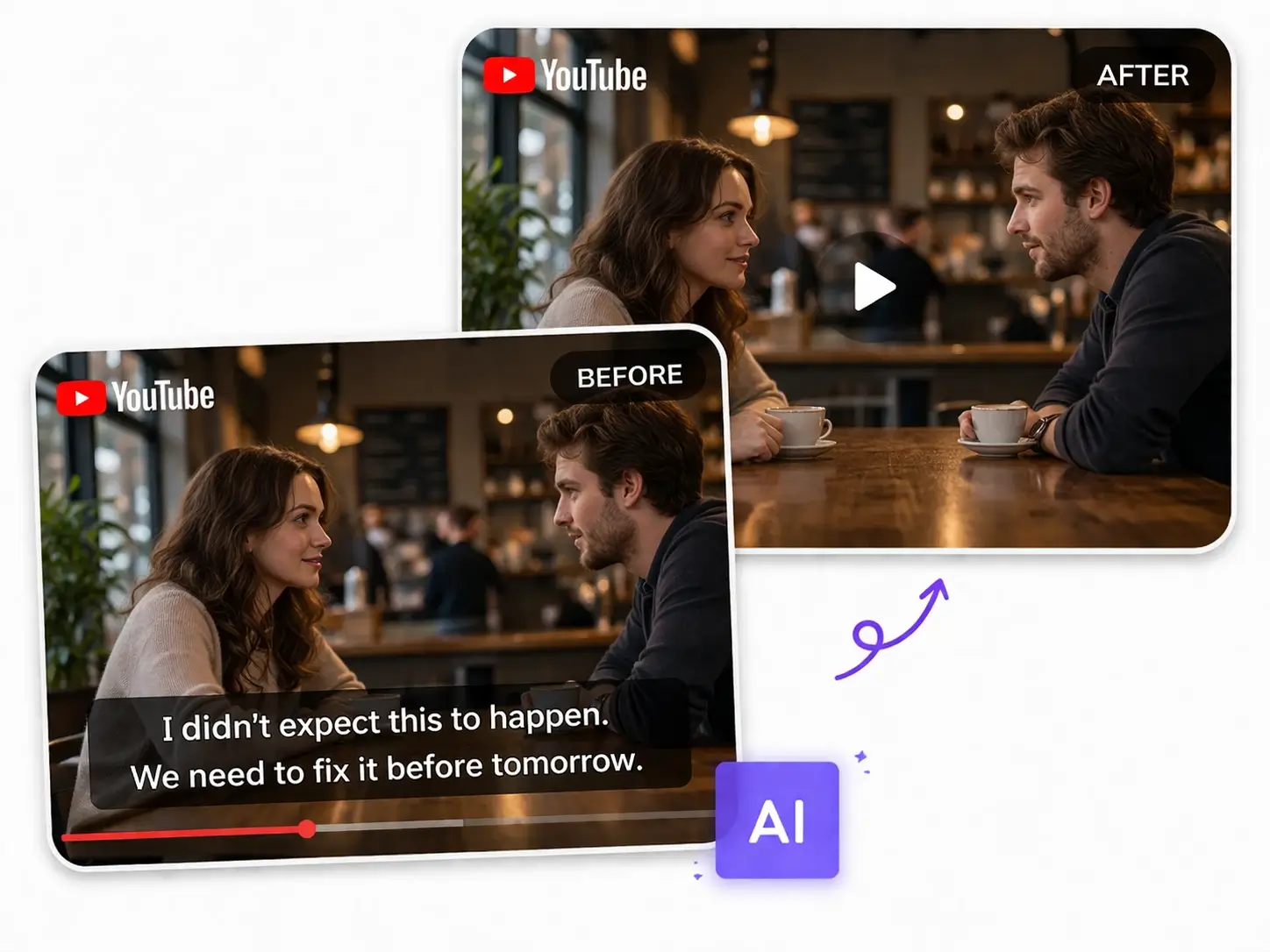
Remove burned-in subtitles and hard-coded captions from movies, tutorials, and social media clips. This online video text remover erases embedded captions without blur so you can localize, re-edit, or repurpose the footage freely. Works as a powerful video caption remover and subtitle eraser.
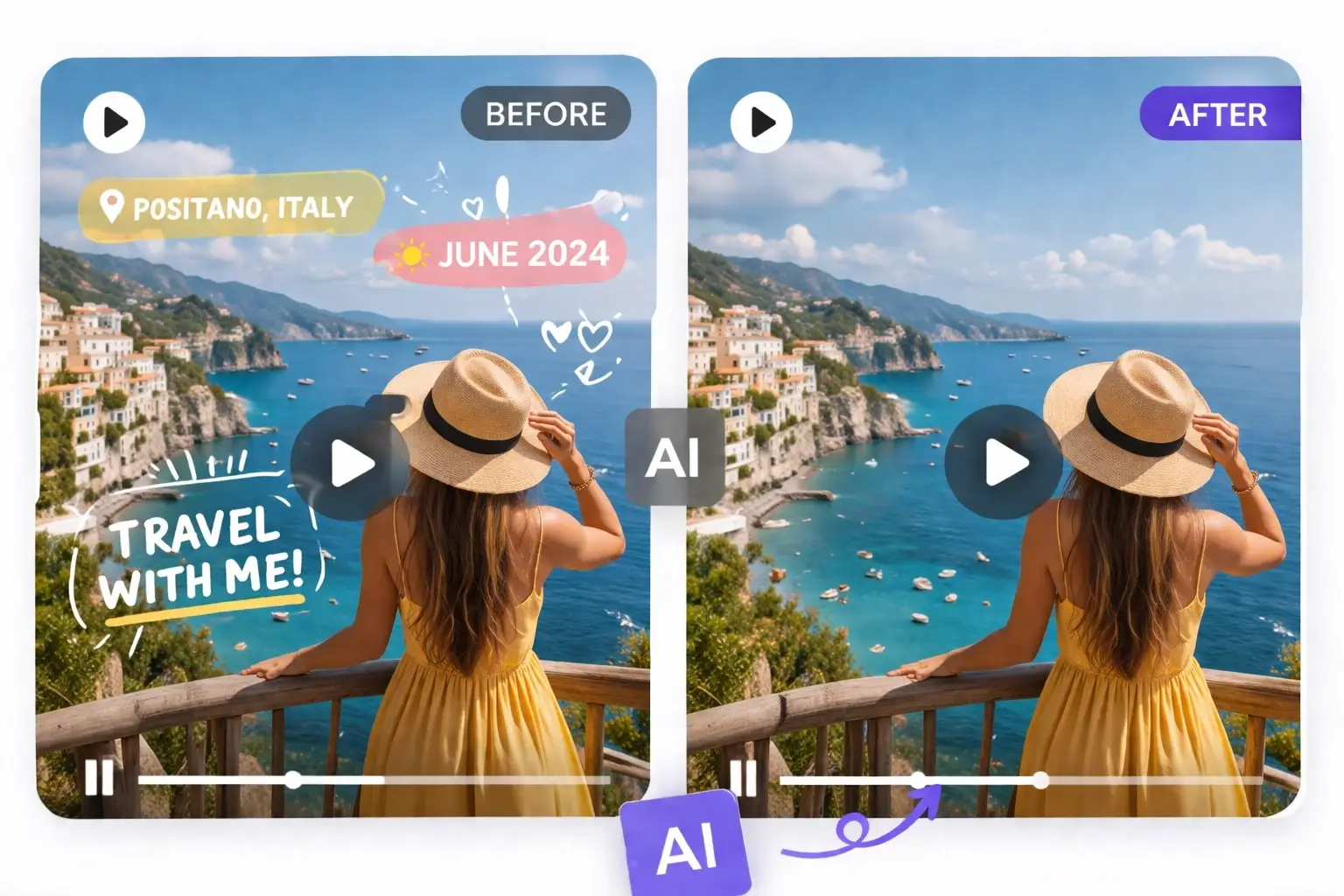
Delete text overlays, date stamps, location tags, and on-screen labels from video automatically. Whether you need to clean up screen recordings or erase text from video for marketing reuse, AI handles text overlay removal across every frame with natural background reconstruction.
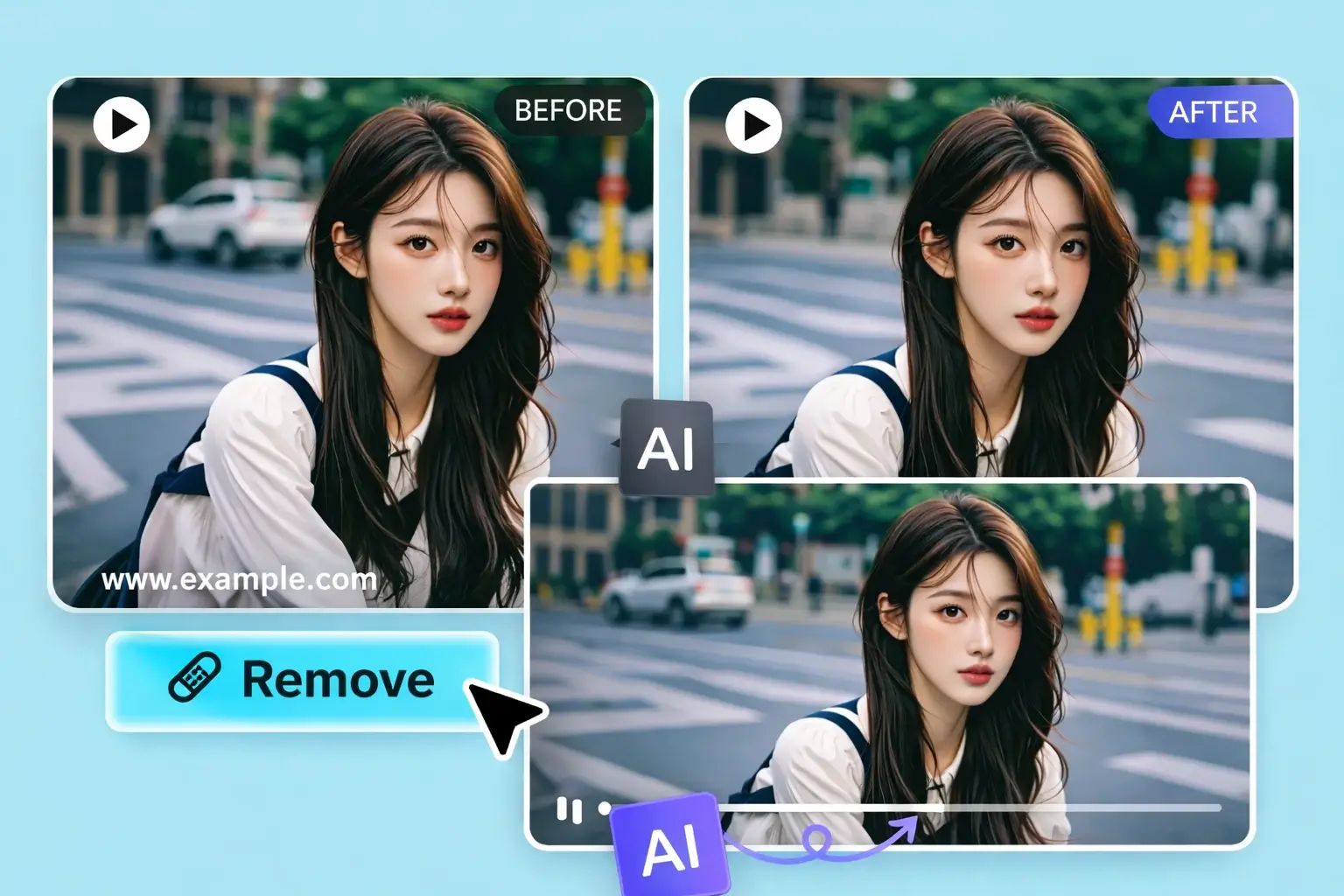
Erase watermark text, branded text marks, and logo-based text from video footage. If you need to remove text from video that includes brand names, website URLs, or attribution text burned into the clip, the AI erases them cleanly while preserving video quality.
The fastest and cleanest way to remove text from video online. Powered by AI and designed for real video workflows.
Our AI can automatically detect text regions in every video frame, and you can manually refine or draw removal areas when needed. This gives you a faster workflow while still keeping precise control over what gets removed.
Unlike basic tools that blur or smear over text, our AI video text remover reconstructs the background behind removed text. You get sharp, artifact-free results when you remove text from video, and the scene looks clean and untouched.
Upload MP4, MOV, or WEBM files and remove text from video instantly. Our online video text remover supports all major video formats from phones, cameras, screen recordings, and social media downloads.
When you remove text from video using our tool, the original resolution, frame rate, and visual quality are maintained. The result stays free of pixelation and compression artifacts, so you get clean video output ready for professional use.
Remove text from video online directly in your browser. No heavy editing software to install, no high-end hardware needed. Everything runs securely in the cloud so you can erase text from video on any device.
Our AI text remover processes video text cleanup quickly using optimized cloud rendering. Whether you need to remove text from video on a 15-second clip or a 10-minute tutorial, results are delivered in minutes.
Creators, marketers, educators, and agencies remove text from video for reposts, localization, content reuse, and professional production.
Remove text from video before reposting TikTok clips to YouTube Shorts, Instagram Reels, or other platforms. Clean up burned-in text, username overlays, and platform-specific captions so the video feels native to each channel.
Remove text from video when you need to replace burned-in subtitles or captions with a different language. Clean the original text first, then add new translations for a global audience.
Erase text overlays, outdated captions, and on-screen labels from screen recordings, tutorial videos, and product demos. Remove text from video to produce cleaner educational and training content.
Remove text from video assets before launching ad campaigns. Clean up source footage by erasing old text, captions, or branded overlays so the clip is ready for new creative direction.
Remove text from video on older user-generated content, archived clips, and footage that was previously published with text overlays. Give existing video assets a second life without re-filming.
Remove text from video on travel vlogs, personal footage, and life event recordings. Erase date stamps, location tags, camera model text, and other distracting on-screen text for a cleaner viewing experience.
A simple workflow to remove text from video online. Upload your clip, mark the text, let AI erase it, and download a clean version with no editing skills needed.
Upload the video you want to clean (MP4, MOV, or WEBM). Our AI video text remover accepts files up to 100MB from any device.
AI automatically scans your video and detects on-screen text regions. You can also manually draw selection areas to mark specific text you want removed. Both modes are supported.
Click to process. The AI removes text from video frame by frame and reconstructs the background naturally, with no blur, no artifacts, and no quality loss.
Preview the result and download the cleaned video. The text is gone, the background looks natural, and the video is ready to repost, edit, or publish.
Everything you need to remove text from video efficiently, from automatic text detection to natural background reconstruction.
AI scans every frame and identifies text regions automatically. You can also manually adjust or draw the target area when you want more precise control over text removal.
Advanced AI video inpainting rebuilds the background behind removed text, preserving motion, lighting, and scene continuity across frames.
Remove hardcoded text, subtitles, captions, watermark text, date stamps, and any on-screen overlay from video in a single workflow.
The video text remover processes all frames consistently, ensuring text is removed cleanly across the entire video duration without flickering.
Draw custom removal regions on the video to target specific text areas. Useful when you need precise control over which text to remove from video.
Download clean videos in their original resolution. There is no quality downgrade, and the AI preserves clarity when it removes text from video footage.
Creators, marketers, and educators use our tool to remove text from video for content reuse, localization, and professional production.
“I needed to remove text from video clips before reposting them on Instagram Reels. This AI text remover handled burned-in captions perfectly, and the background looked completely natural after processing.”
Jessica Liu
Content Creator
“As a freelance editor, clients often ask me to remove text from video footage they want to repurpose. This tool saves me hours of manual masking work in Premiere Pro.”
Marcus Chen
Video Editor
“We use this video text remover to clean up ad creatives and campaign footage. It removes hardcoded text and overlays without degrading video quality. A real time-saver for our team.”
Sarah Thompson
Marketing Manager
“I regularly need to remove text from video tutorials when updating course content. The AI erases old captions and titles cleanly so I can add fresh content without re-recording.”
David Park
Online Educator
“Repurposing TikTok videos for other platforms used to be painful. Now I just remove text from video and download a clean version. The text overlay removal is impressively clean.”
Elena Rodriguez
Social Media Specialist
“Our agency processes dozens of client videos every week. This AI video text remover handles everything from subtitle removal to cleaning up on-screen labels. Highly reliable tool.”
Tom Wilson
Agency Producer
Common questions people ask before they remove text from video with our AI tool.
Yes. Our AI video text remover uses advanced inpainting technology to reconstruct the background behind removed text. Instead of blurring the area, the AI rebuilds what was behind the text so the result looks natural and clean.
You can remove text from video including hardcoded titles, burned-in subtitles, captions, date stamps, location tags, watermark text, logo text, and any on-screen text overlay. The AI detects and erases all types of embedded text.
Not always. The AI can automatically detect text regions in every frame of your video, and you can also draw custom removal areas when you want more precise control over which text to remove.
Our online video text remover supports MP4, MOV, and WEBM formats. These cover most video files from phones, cameras, screen recordings, and social media downloads.
No. When you remove text from video using our tool, the original resolution, frame rate, and visual quality are preserved. The AI maintains clarity and smooth motion throughout the processing.
Yes, you can start for free. Upload your video and remove text from video using our AI tool. Free usage includes a limited number of credits. For higher volume, upgrade to a paid plan.
Processing time depends on video length and complexity. Most short videos (under 1 minute) are processed within a few minutes. Longer videos may take more time but the AI processes efficiently using cloud rendering.
Absolutely. Our tool works as a powerful video subtitle remover. It detects burned-in subtitles and hard-coded captions, erases them, and reconstructs the background naturally. Perfect for localization and content repurposing.
Yes. Many users remove text from video on TikTok, Instagram Reels, and YouTube Shorts before reposting to other platforms. The AI handles platform-specific text overlays, usernames, and captions effectively.
No installation required. You can remove text from video online directly in your browser on desktop or mobile devices. Everything runs in the cloud.
Upload your video and remove text from video with AI in minutes. AI can detect text automatically, and manual selection is available when needed, so you get clean and reusable video footage with no blur and no quality loss.