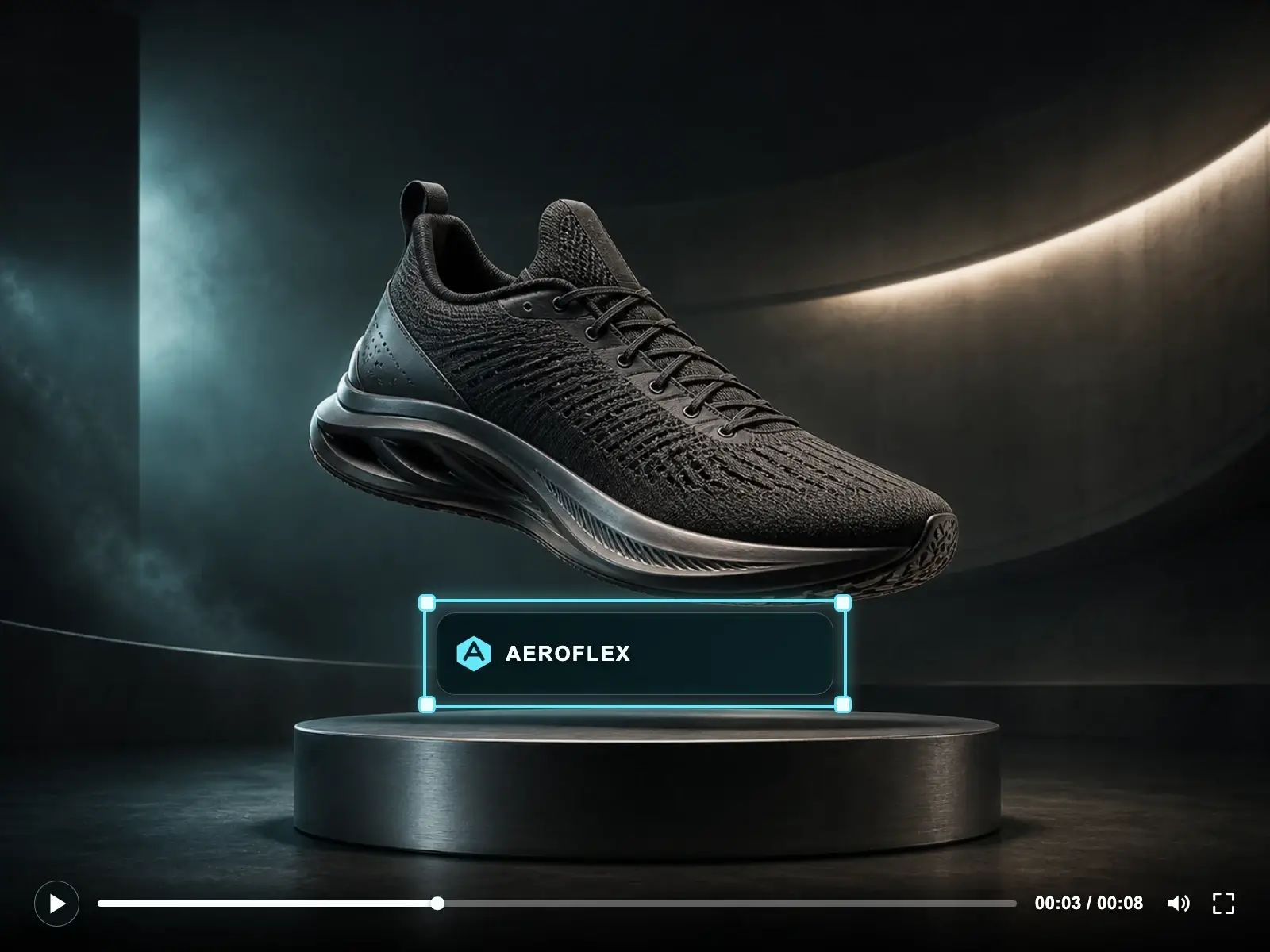
Erase logos, brand marks, platform watermarks, and semi-transparent overlays from any video. Our AI handles both opaque and translucent watermarks across every frame, delivering clean footage you can repost or publish anywhere.
Drag & drop your video here or click to upload
Supports MP4, MOV, WEBM
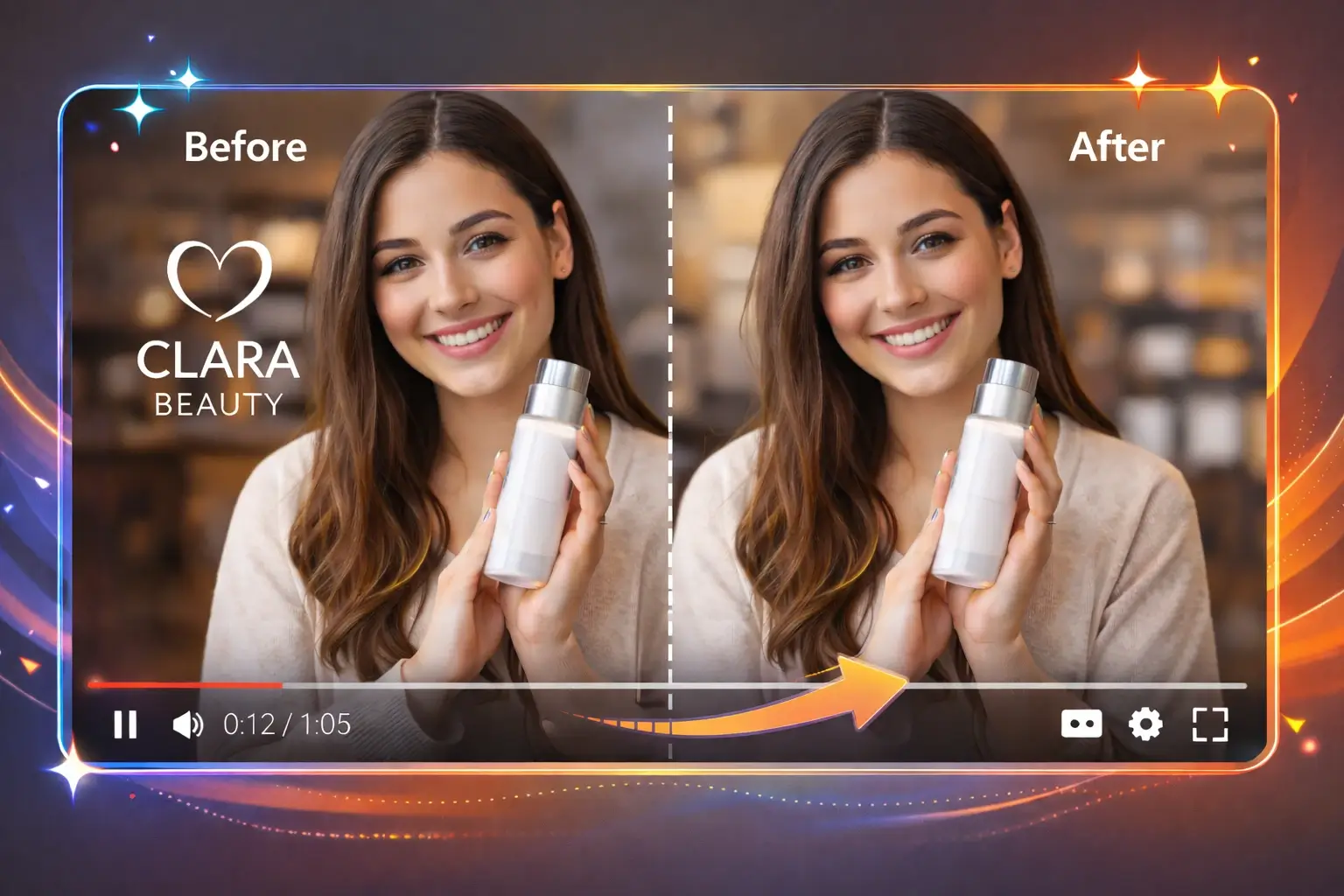
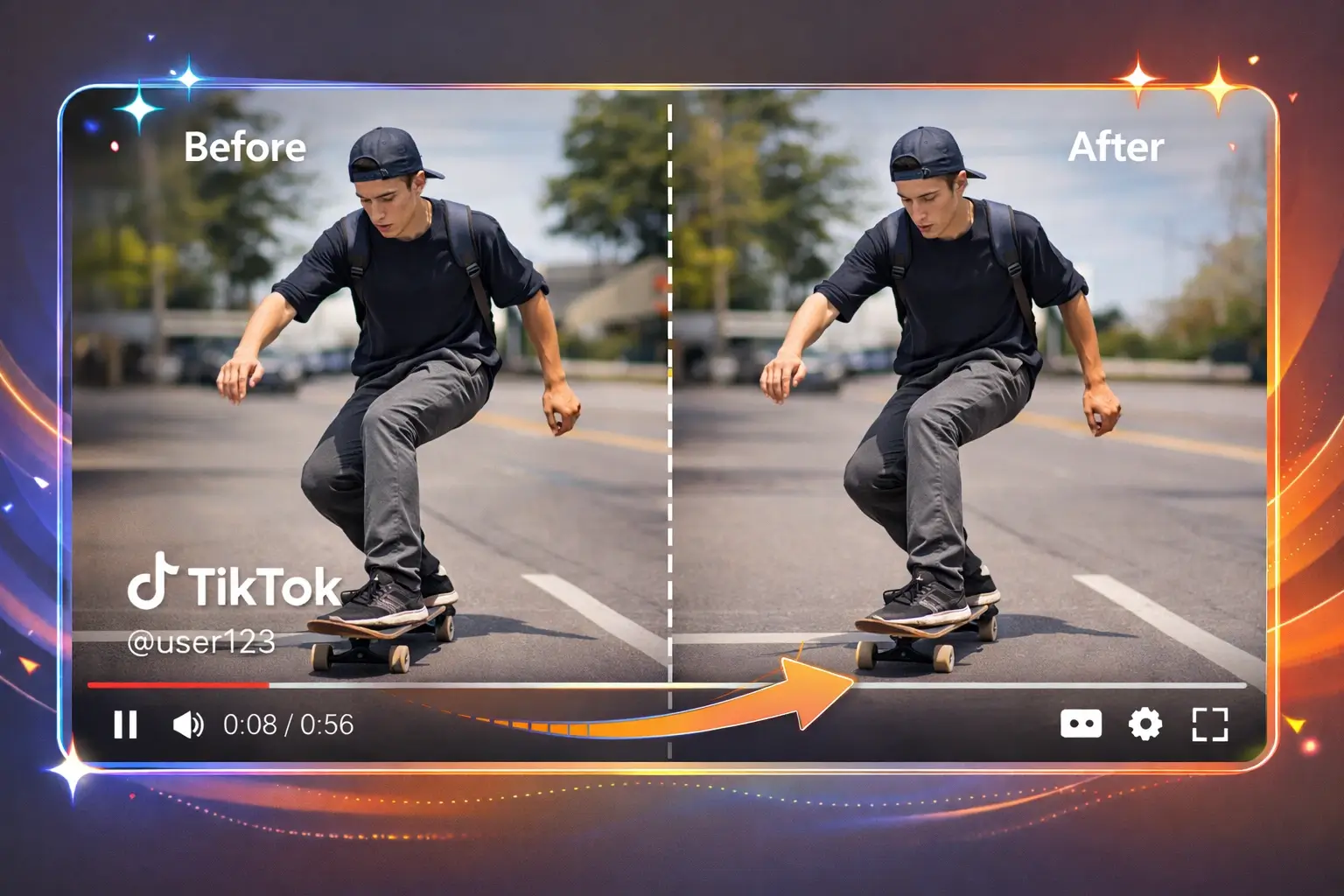
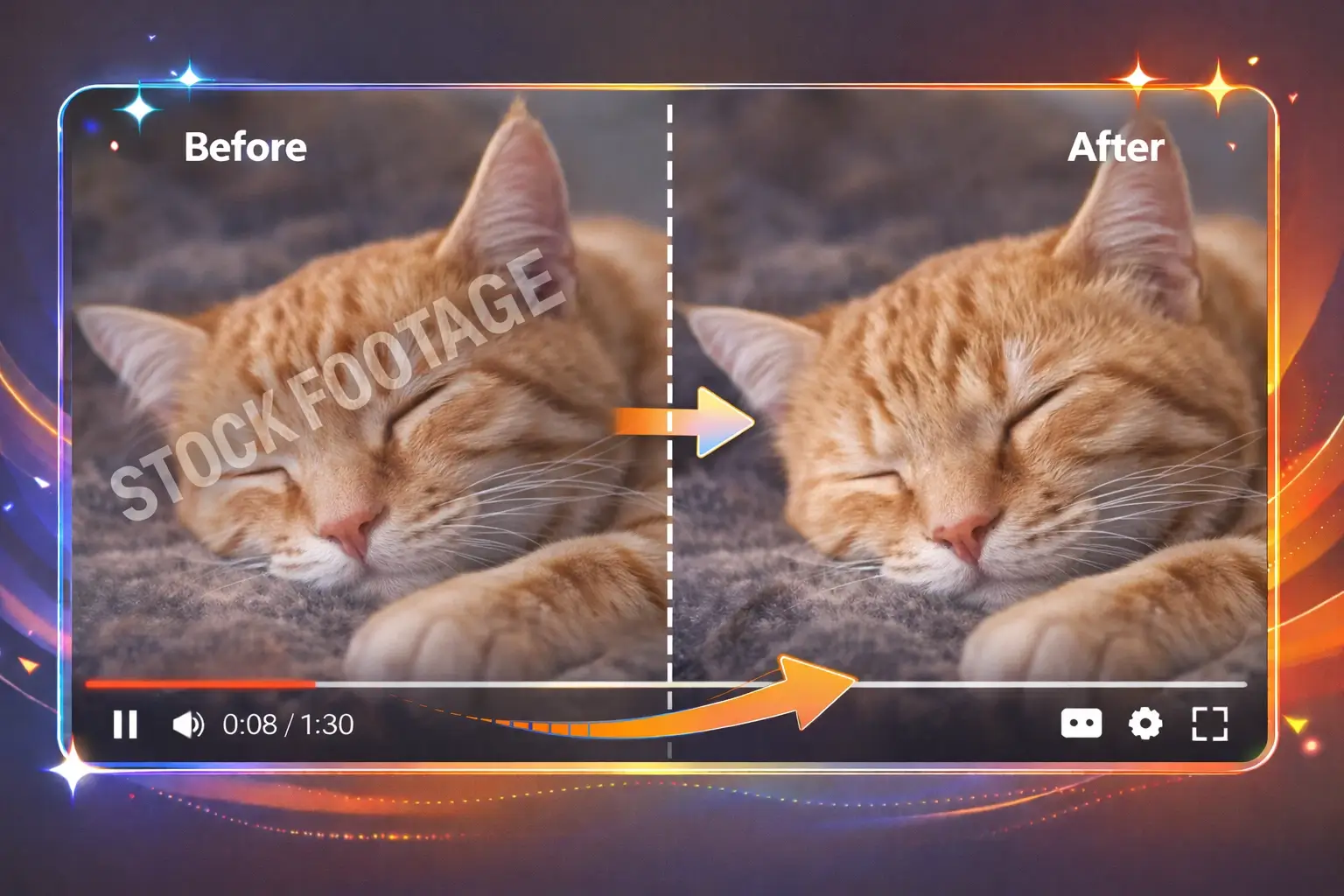
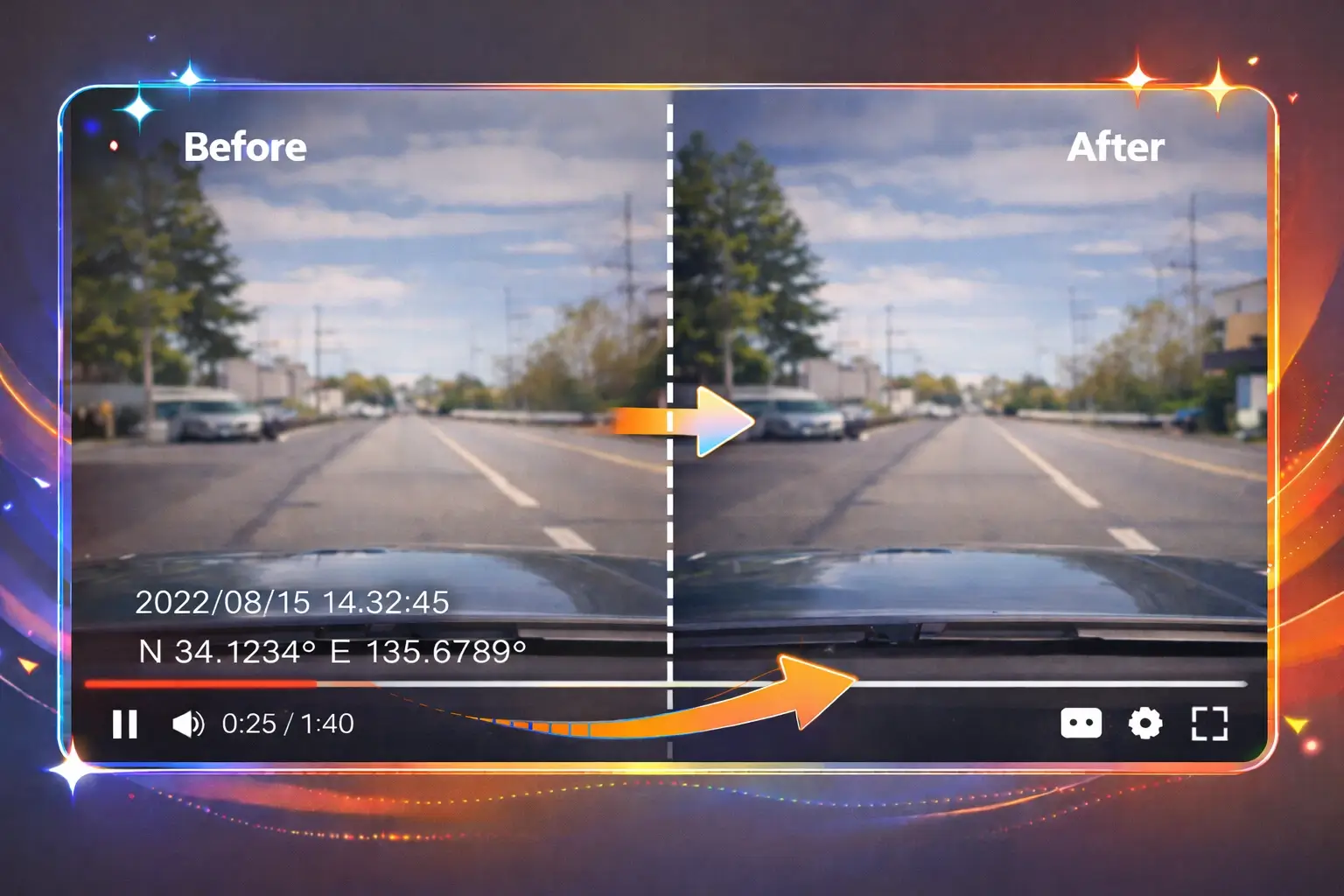
Watermarks come in many shapes: opaque logos, semi-transparent brand marks, animated platform badges, and fixed-position stamps. Our AI video watermark remover identifies each type and erases it while filling the area with reconstructed background detail.
Erase brand logos, channel icons, and graphic emblems burned into any corner or center of the frame. The AI recognizes logo boundaries even when they overlap complex motion, and it removes the logo watermark from video without leaving ghost edges or color shifts.
TikTok, Instagram, Snapchat, and YouTube each stamp videos with their own logo and username badge. Upload the clip and let the AI strip those platform watermarks cleanly so you can cross-post without visual clutter or branding conflicts.
Many stock sites and editing tools add translucent watermarks that blend into the footage. Our AI separates the watermark layer from the original pixel data and reconstructs what is underneath, producing a clean result even when the watermark covers a large area.
Dashcams, security cameras, and older camcorders often burn timestamps, GPS coordinates, and device info into every frame. The AI tracks those fixed-position stamps and erases them consistently throughout the entire video duration.
Purpose-built for watermark removal. Not a generic eraser with watermark bolted on, but an AI trained specifically to handle logos, opacity marks, and branded overlays in video.
Most free video watermark removers struggle with translucent overlays because they cannot separate the mark from the underlying image. Our AI decomposes the blended watermark layer and rebuilds clean pixel data underneath, so even stock-footage preview marks disappear without a trace.
A logo sitting in the same corner for the entire clip lets the AI learn the exact watermark shape and remove it frame-by-frame with perfect consistency. You will not see flicker, ghosting, or shifting patches in the output when you remove watermark from video with our tool.
Cheap watermark erasers leave faint ghost shadows or color tints where the logo used to be. Our inpainting network is trained to match surrounding color distribution so the patched area is indistinguishable from the rest of the frame.
Upload files up to 4K resolution and remove watermark from video at full quality. The AI processes high-resolution frames without downscaling, so the final export retains every pixel of detail from the original footage.
Select the platform (TikTok, CapCut, Shutterstock, etc.) and the AI pre-locates the typical watermark position and shape, cutting your editing time and making it easier to remove watermark from video quickly.
Your video is processed on encrypted cloud servers and automatically deleted after you download the result. Nothing is stored, shared, or used for training, so your content stays private when you remove watermark from video online.
From social media cross-posting to professional production pipelines, people remove watermark from video for specific workflow needs that text removal alone does not solve.
Download a TikTok or Instagram Reel and remove the platform watermark from video before uploading it to YouTube Shorts, Facebook, or Twitter. This eliminates competing brand marks and helps the algorithm treat your upload as native content.
Stock libraries like Shutterstock and Getty stamp large translucent watermarks on preview clips. Remove the watermark from video so your client can approve the edit and framing before you purchase the licensed file.
Screen recording tools, video editors, and rendering software often add a visible watermark during trial periods. Remove that watermark from video on your tutorial, demo, or webinar recording so the output looks professional.
Dashcam brands and CCTV systems burn logos, timestamps, and device IDs onto the footage. Remove those watermarks from video for insurance claims, legal proceedings, or creative projects where clean visuals matter.
Agencies and freelancers often receive raw footage that already has a previous vendor's logo on it. Remove the watermark from video so the final deliverable carries only your client's branding.
Action cameras and drones frequently embed their brand name or shooting mode directly onto the exported clip. Remove the watermark from video for vlogs, travel content, and real estate tours so the footage looks cinematic instead of branded.
No editing skills needed. Upload, mark the watermark, and download a clean version in minutes.
Drag and drop an MP4, MOV, or WEBM file (up to 100 MB). The tool runs in your browser so there is nothing to install.
Use AI auto-detect to highlight the watermark instantly, or draw a box around it manually. The AI adapts to logos, translucent stamps, and platform badges automatically.
The AI processes every frame, erases the watermark, and fills the area with reconstructed background. Preview the clean output and download it in original resolution.
Under the hood, purpose-built models handle each challenge that makes watermark removal different from general object or text erasure.
The AI separates the semi-transparent watermark layer from the underlying video data. This is critical for stock footage marks where simple masking leaves visible residue.
Because watermarks sit in the same position across frames, the AI enforces temporal consistency so the reconstructed area does not flicker or shift between consecutive frames.
Common watermark shapes like social media icons, stock-site logos, and camera brand tags are recognized automatically, reducing the need for manual selection when you remove watermark from video.
After erasing the watermark, the AI matches color temperature, brightness gradient, and noise profile of the surrounding area so the patched region blends perfectly.
The AI detects and preserves hard edges (object boundaries, architecture lines) beneath the watermark, avoiding the blurry smear that cheaper tools produce.
If a video has multiple watermarks in different positions such as a logo in one corner and a timestamp in another, select them all at once and process in a single run.
Hear from real users who rely on our AI video watermark remover for cross-posting, production work, and everyday content cleanup.
“I repost my TikTok content to YouTube Shorts every day. This tool lets me remove the TikTok watermark from video in under a minute, and the patched corner looks totally seamless. Huge time saver.”
Ryan Mitchell
YouTube Shorts Creator
“A client sent me footage with another studio's logo across the bottom third. I removed the watermark from video using this tool, and the client couldn't believe how clean the output was. No ghosting at all.”
Angela Foster
Freelance Videographer
“We shoot product demos with a trial version of ScreenFlow and it adds a watermark. Rather than re-record everything, I just remove the watermark from video before uploading to our Shopify store. Works every time.”
Kevin Tran
E-Commerce Manager
“Managing six brand accounts means constant cross-posting. This is the only watermark remover that handles semi-transparent Shutterstock marks on preview clips. It saved us from buying footage we ended up not using.”
Priya Sharma
Social Media Coordinator
“My DJI drone burns its logo onto exported clips. I use this video watermark remover to clean the brand tag from every listing tour before sending to agents. The 4K quality stays perfect.”
Alex Novak
Real Estate Photographer
“For school projects I use stock footage with preview watermarks to plan edits. Removing the watermark from video lets professors evaluate the composition instead of being distracted by giant logos.”
Camille Dubois
Film School Student
Answers to the most common questions about our online video watermark remover.
Yes. The AI decomposes the blended watermark layer from the original pixel data and reconstructs what is underneath. This works for stock footage preview marks, translucent logos, and any watermark that is not fully opaque.
Upload your TikTok download, and the AI will auto-detect the TikTok logo and username badge in the typical position. Confirm the selection and click process. The watermark is erased and the background is filled naturally within minutes.
No. Our AI uses edge-aware inpainting and color matching to reconstruct the patched area. The result blends with the surrounding frame so there is no visible blur, ghosting, or color shift after you remove the watermark from video.
Yes. If your video has a logo in one corner and a timestamp in another, you can select both regions and the AI will process them together in a single run with consistent results across all frames.
The tool processes your video at its original resolution. Whether it is 720p, 1080p, or 4K, no downscaling happens during watermark removal so you keep the full quality of the source file.
A text remover is optimized for on-screen characters like subtitles, captions, and labels. A watermark remover is built for graphic elements like logos, brand emblems, opacity overlays, and platform badges. The AI models and detection logic are different for each task.
No. Your video is processed on encrypted cloud infrastructure and automatically deleted once you download the result. We do not retain, share, or use uploaded files for any other purpose.
Yes. The tool runs entirely in your browser, so it works on iOS, Android, tablets, and desktops without any app installation.
For static watermarks the AI achieves the best results, but it can also handle slowly moving or animated watermarks by tracking position changes across frames. Results may vary for fast-moving or constantly changing overlays.
Yes, free credits are included so you can try the tool without payment. Upload your video, remove the watermark, and download the result. If you need to process more videos, affordable credit packs and plans are available.
Drop your video above and let the AI erase logos, brand marks, platform badges, and semi-transparent overlays in minutes. No software to install, no editing skills required, and free credits to get started.