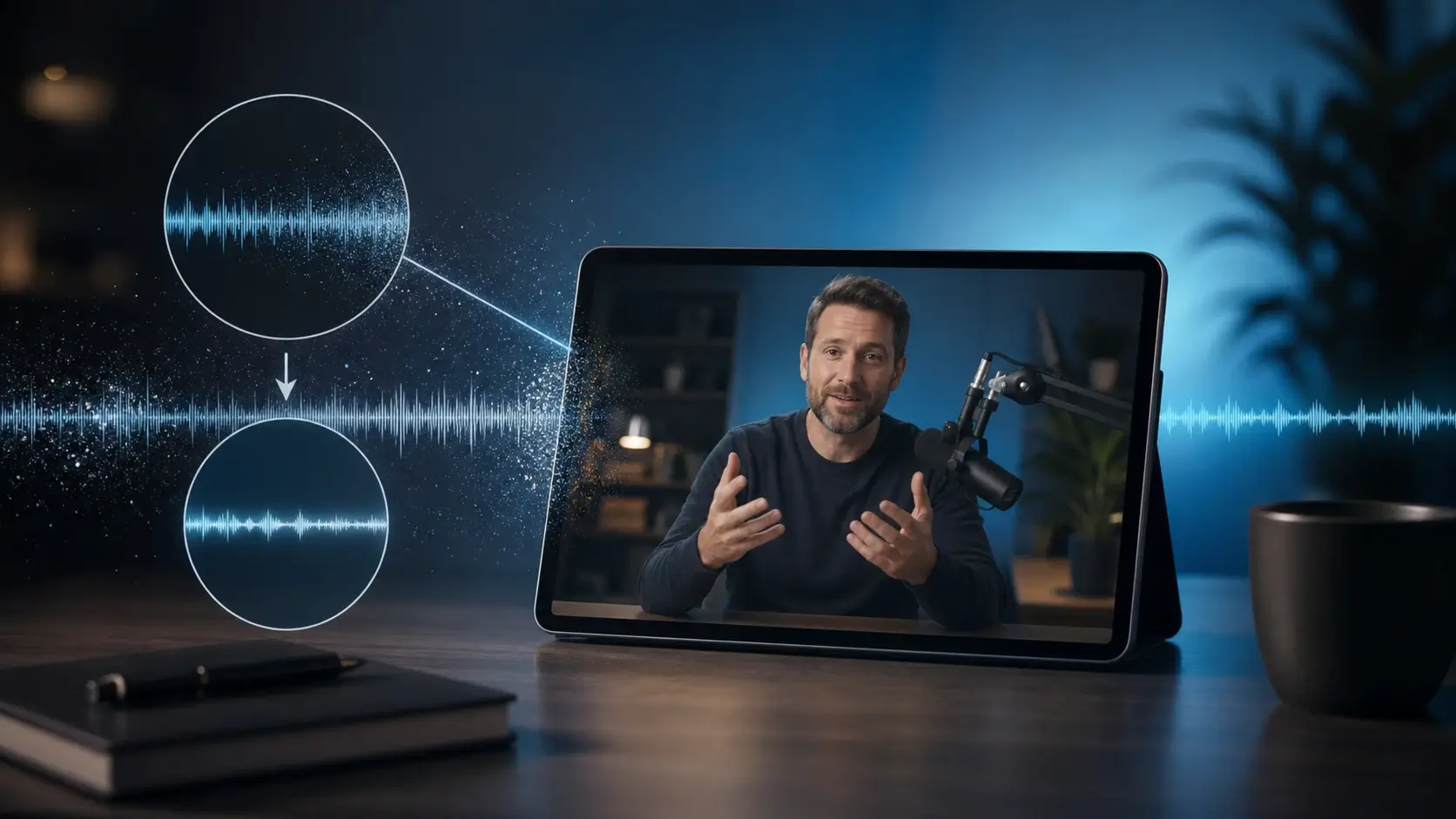
Remove Audio From Video Online

Remove the audio track from your video in seconds. Upload an MP4, MOV, or WebM file, mute the original sound, and download a clean silent video while keeping the picture quality intact.

Drag and drop your video here

Supports MP4, MOV, and WebM videos up to 200 MB.

100% Free, Unlimited Processing

Remove the full audio track

Keep the video picture unchanged

Download a silent video copy

Note: Your video is processed locally in this browser and is not uploaded to a server. Results stay on this page only; refresh or close the page to upload again.
Audio Remover

Why Remove Audio From Video Online?

This online video audio remover helps you delete unwanted sound without opening complex editing software. Upload a clip, remove the audio track, and export a silent video that is ready for reposting, dubbing, presentations, captions, or new music.

Remove the Entire Audio Track

Delete the original sound from your video and create a silent version for reuse. This is ideal when the video looks good but the music, voices, noise, or recorded audio should not stay in the final file.

Mute Video Online Without Editing Software

Remove audio from video directly in your browser workflow when you need a silent clip fast. You do not need a timeline editor just to mute a video and export a clean file.

Create a Silent Video for Sharing

Turn MP4, MOV, and WebM clips into silent videos for social posts, ads, landing pages, tutorials, and presentations. Keep the visual content while removing the sound that may distract viewers.

Prepare Video for New Music or Voiceover

Remove the original audio before adding new narration, background music, captions, or localized voiceover. A silent export gives creators and marketers a clean base for the next edit.

Benefits

Why Use This Remove Audio From Video Tool?

Built for quick video muting, this tool helps you remove sound, preserve visual quality, and prepare clips for sharing, captions, voiceover, music replacement, or quiet playback.

Remove Sound Without Changing the Picture

The tool focuses on deleting the audio track while keeping the visual content intact. Your video stays focused on the original frames, resolution, and motion.

Fast Online Video Muting

Upload your file, remove the audio, and download a silent video without opening a full editing timeline. It is made for quick fixes before posting, presenting, or sharing.

Works With Common Video Formats

Use it for MP4, MOV, WEBM, and phone recordings that need a clean silent version. These formats cover most social clips, screen recordings, product demos, and everyday videos.

Ready for Captions and Voiceover

A silent video gives you a clean base for subtitles, narration, background music, localization, or platform-native audio. Remove the old sound first, then add the right track later.

Cleaner Social Media Reposts

Remove copyrighted music, background chatter, accidental voices, or noisy recorded sound before reusing a clip on TikTok, Reels, Shorts, landing pages, or ads.

No Heavy Software Required

You do not need Premiere, Final Cut, or a desktop converter just to mute a video. The online workflow keeps the job simple: remove audio and download a silent file.

Popular Ways to Remove Audio From Video

People remove audio from video to create silent clips, replace sound, prepare posts, clean presentation videos, and reuse visual footage without keeping the original audio.

Create Silent Social Media Clips

Mute a video before adding platform-native music, captions, or voiceover. The same visual clip can be reused across TikTok, Instagram Reels, YouTube Shorts, Facebook, and ads.

Prepare Product and Ad Videos

Remove the original recorded sound from product footage before adding branded music, narration, or captions. This makes the same visuals easier to use across campaigns and landing pages.

Clean Tutorials and Screen Recordings

Delete microphone mistakes, keyboard noise, old narration, or unwanted system sound from a tutorial. Keep the recorded steps and add a clearer explanation later.

Mute Videos for Presentations

Silent videos work better in slides, booths, waiting rooms, webinars, and classrooms where unexpected sound could distract the audience.

Repurpose Archived Footage

Old clips often include outdated music, private conversations, or unusable audio. Remove the sound and reuse the video footage for new edits without recording again.

Share Travel and Event Videos Quietly

Keep the scenery, action, and memories while removing crowd noise, wind, or personal conversations. Silent exports are easier to share publicly or customize with new sound.

How to Remove Audio From Video Online

Upload your video, remove the audio track, and download a clean silent file. The workflow is designed for fast video muting without complex editing software.

1

Upload Your Video

Choose an MP4, MOV, WEBM, or phone recording from your device. The tool prepares your file for audio removal in a simple online workflow.

2

Remove the Audio Track

Delete the original sound from the video and create a silent version. The visual frames remain the focus while the unwanted audio is removed.

3

Download the Silent Video

Save the muted video and use it for social posts, ads, presentations, tutorials, captions, voiceover, or new background music.

Remove Sound From Video Without Editing Software

Everything on this page is designed around one goal: remove audio from video quickly while keeping the result easy to download, share, and reuse.

Remove Audio Track From Video

Delete the original sound stream from your video and export a clean silent version without manually editing timeline layers.

Mute MP4, MOV, and WebM Files

Remove audio from common video formats used by phones, screen recorders, social platforms, product demos, tutorials, and marketing clips.

Keep Original Video Quality

The audio removal step is focused on sound, not changing the picture. Your final silent video keeps the original visual content clear and ready for reuse.

Export a Silent Video Fast

Download a muted file that works for social feeds, landing pages, slides, review links, and quiet playback situations.

No Timeline Editing Needed

The interface keeps the job focused on removing audio instead of full video production. Upload, mute, and download without learning complex editing tools.

Ready for New Music, Captions, or Voiceover

Use the silent video as a clean base for new narration, subtitles, background music, localization, or platform-native sound.

Creators Use Silent Video to Move Faster

These examples reflect common workflows for removing audio, muting clips, replacing sound, and preparing cleaner video exports.

I use it when a clip looks great but the sound does not fit the post. Removing the audio first makes it much easier to add captions and platform music.

Alex Morgan

Video Creator

Our product videos often come from busy shoots with rough recorded audio. A silent export gives my team a clean base for ads, landing pages, and localized voiceover.

Maya Chen

Marketing Lead

For client previews, I often need quick versions without accidental conversation or background noise. Muting the video keeps the footage usable while I prepare the final edit.

Jordan Lee

Content Editor

Remove Audio From Video FAQ

Answers to common questions about removing audio tracks, muting videos, supported file formats, video quality, and silent video downloads.

Remove Audio From Video is an online tool that deletes the sound track from a video file. It helps you create a silent clip while keeping the visual content ready for download and reuse.

Yes. This remove audio tool is free to use. Upload your clip, remove the audio track in your browser, and download a silent version without installing desktop editing software.

Upload your MP4 file, remove the audio track, and download a silent video copy. The tool is designed to mute video sound while keeping the visual content ready for reuse.

Yes. The tool focuses on removing the audio track while preserving the visual frames. Final quality can depend on the source file and export settings, but the goal is to create a silent video without changing the picture.

The tool is designed for common formats such as MP4, MOV, and WEBM. These cover most phone recordings, downloaded social clips, screen recordings, and marketing videos.

This page is mainly built for removing audio from video or creating a silent version. If you need voice isolation or background noise reduction, use a dedicated audio cleanup workflow instead of full audio removal.

Yes. A silent export is a clean base for new narration, music, captions, localization, or platform-native sound. Remove the original audio first, then add the right track in your next editing step.

Yes. Creators often remove sound from video before reposting to TikTok, Reels, Shorts, or ads. It lets you replace old audio with fresh music, captions, or voiceover that fits each platform.

Remove Audio From Video Now

Upload your clip, delete the unwanted sound, and download a clean silent video that is ready for captions, music, voiceover, or quiet playback.

Remove Audio from Video Online Free | Mute Video Instantly