RemoveFrom.VideoRemove Captions From Video

AI Caption Remover

Caption Remover from Video

Caption remover from video for social clips. Erase CapCut, TikTok and Reels auto captions, word-by-word highlights and bold outlined text, and keep the scene clean without blur or cropping.

  • Works on Auto Captions
  • No Blur or Cropping
  • One Box per Clip

Drop or choose a video

Supports MP4, MOV, WEBM

New users get 30 free credits

Every completed caption removal includes 2 free adjustments with no extra credits.

Real results

Caption Remover from Video Examples

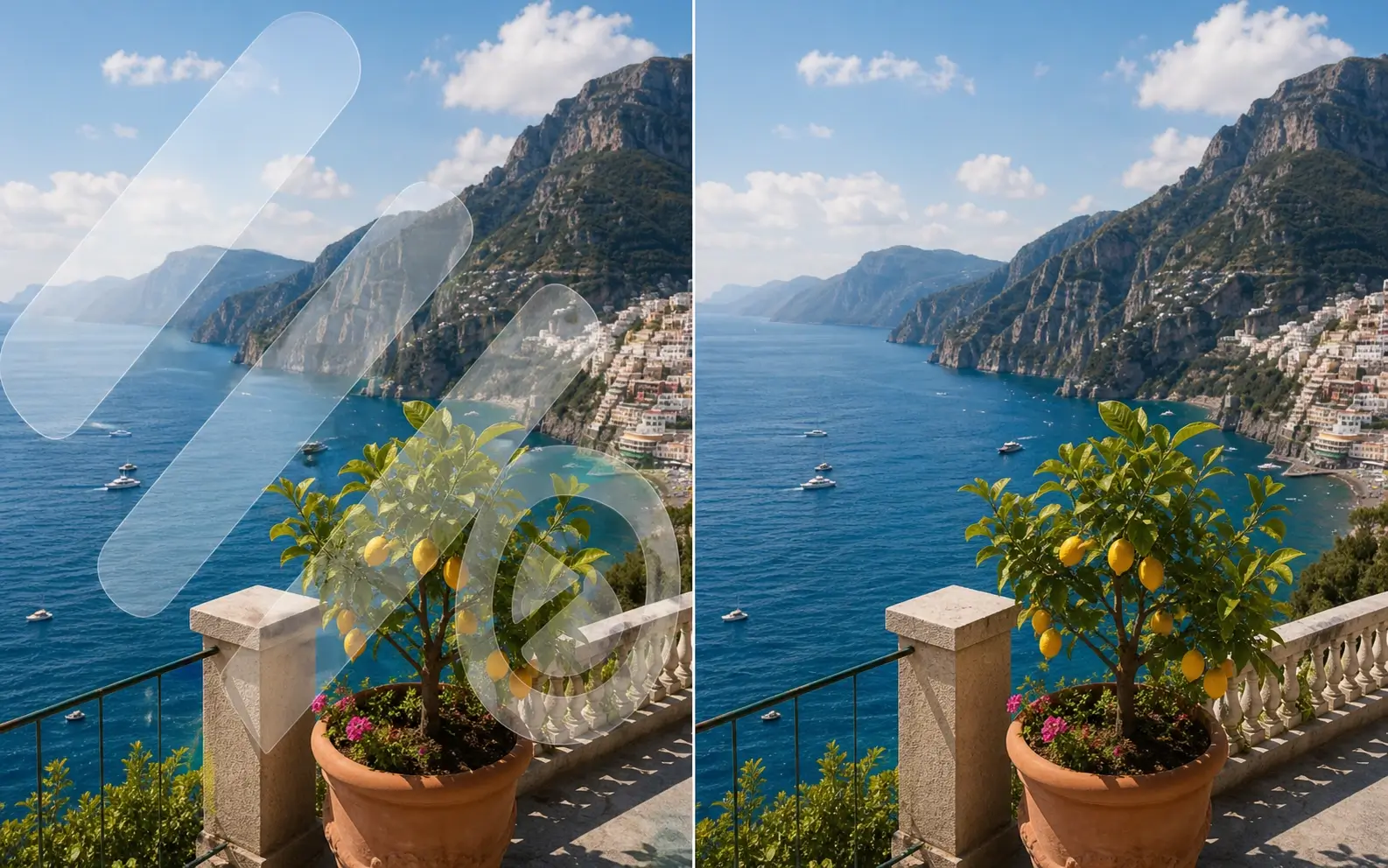
Four caption styles you see every day in short-form video, each cleaned by the caption remover from video. The line sweeps between the original captions on the left and the clean result on the right.

BeforeAfter

Word-by-word pop captions

Bold white words with a black outline and a yellow highlight that jumps to each spoken word, a popular CapCut auto caption style.

BeforeAfter

Keyword color captions

Sentence captions with one colored keyword and a soft shadow, the look of recipe and how-to clips.

BeforeAfter

Two-line sentence captions

Two lines of white text over a busy outdoor scene, with the gravel and rails rebuilt behind every word.

BeforeAfter

Bold uppercase captions

Huge uppercase words with a thick outline, one or two at a time, the style of many Shorts and podcast clips.

Check first

Remove Captions from TikTok, Reels, Shorts and CapCut Videos

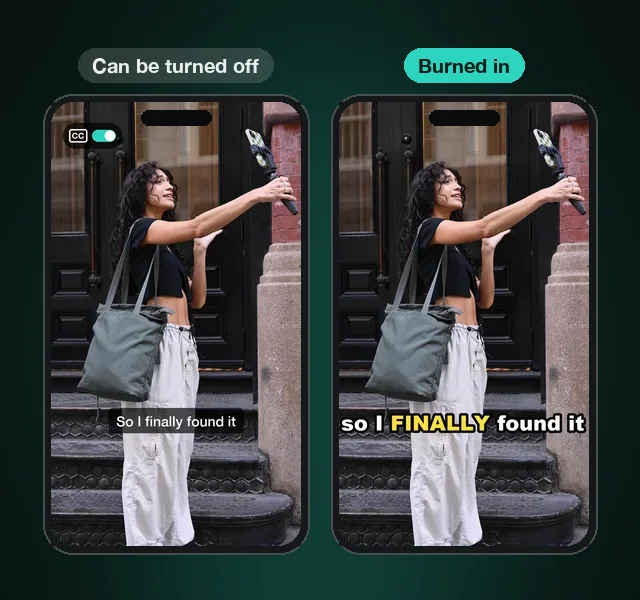
Some captions are a layer the app can switch off, so no tool is needed. Others are burned into the pixels and appear on every copy. Find your case.

The same street vlog on two phones: an app caption layer with a CC switch on the left, burned-in styled captions on the right

TikTok

Can be turned off

TikTok's own auto captions are a layer. Hide them in the app's caption settings.

Burned in

Editor text, CapCut captions and captions on a saved TikTok are in the picture. Use the caption remover from video.

Instagram Reels

Can be turned off

Reels auto captions come from Instagram. Viewers switch them off in the caption setting.

Burned in

Captions added before posting stay in every frame. Upload the clip and remove them with AI.

YouTube Shorts

Can be turned off

Closed captions, auto-generated ones included, turn off with the CC button.

Burned in

Animated captions edited into the Short ignore CC. The caption remover erases them.

CapCut

Can be turned off

Captions in an open project are editable. Delete the caption clips and export again.

Burned in

After export the captions belong to the video. Remove them from the file with AI.

What Is a Caption Remover from Video?

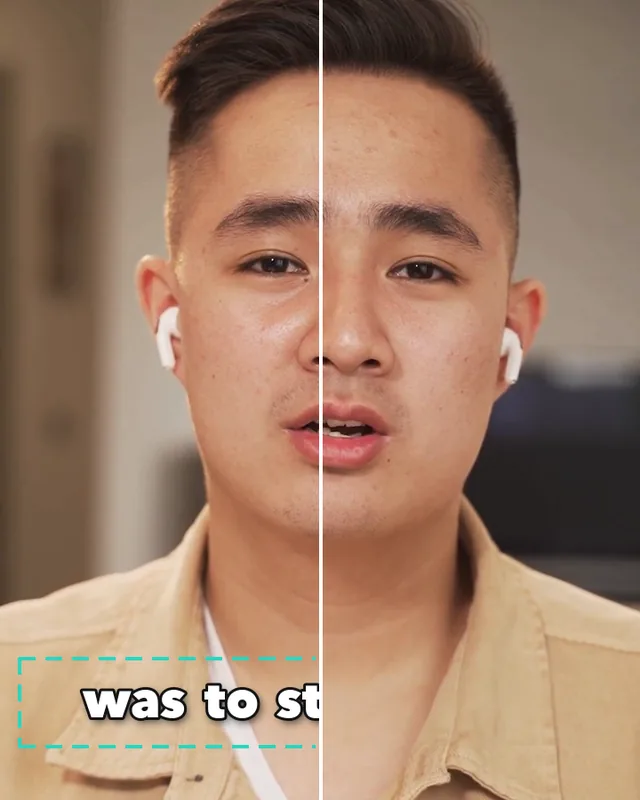
A caption remover from video erases captions that are burned into the picture and rebuilds what was behind them, frame by frame. Instead of cropping the clip or covering the words with a blur bar, the AI video caption remover fills the caption area with the real background, so faces, clothes and scenery stay natural. Social captions sit in one band of the frame, so one box over that band cleans the whole clip, and Auto Detect follows captions that move.

  • No blur bars or cropping
  • Works on animated and highlighted captions
  • One box covers the whole clip
  • The original audio stays in the video
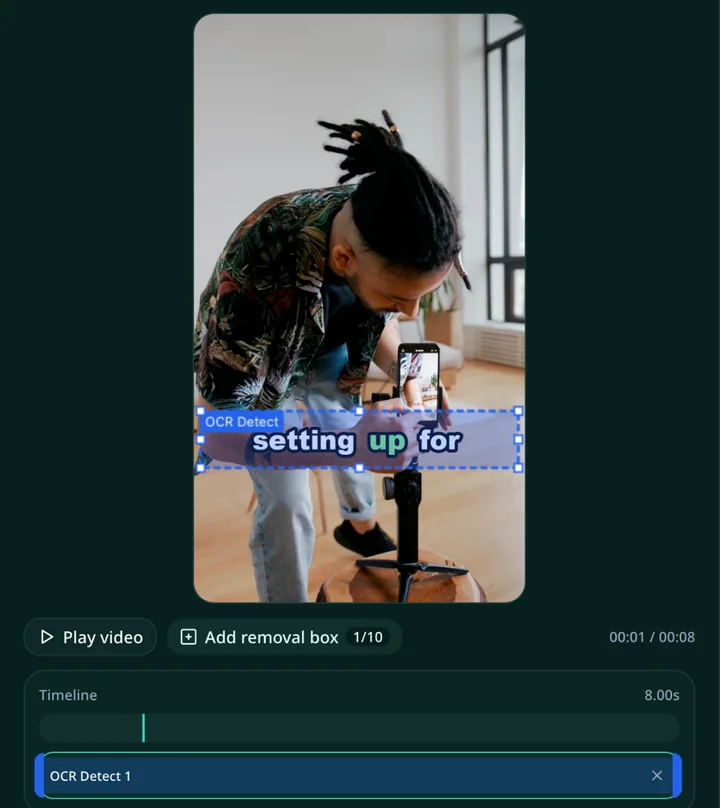
Man talking to camera, split in half, with the caption band boxed on the left and the captions removed on the right

How to Remove Captions from Video

Upload, box the captions, and download the clean clip. It works the same on a phone or a computer.

  1. 1

    Upload your video

    Choose an MP4, MOV or WEBM file. Clips saved to your phone, screen recordings and CapCut exports all work.

  2. 2

    Box the caption area

    Drag one box over the band where the captions appear. If the captions jump around the frame, switch to Auto Detect.

  3. 3

    Remove the captions

    Press Remove Captions. The caption remover from video erases the text in every frame and rebuilds the background behind it.

  4. 4

    Download the clean video

    Preview the result, download the caption-free video, then add new captions or post it as it is.

Caption remover tool with one box over the caption band of a clip and the box spanning the whole timeline

Why Remove Captions from Video

A caption-free copy of your clip opens up edits the captioned version blocks.

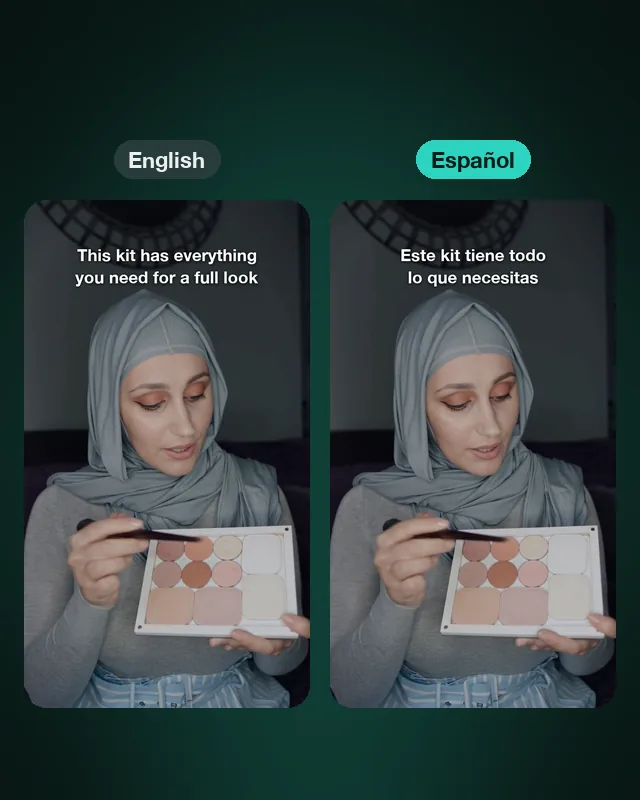
The same clip shown twice, with English captions on the left and Spanish captions on the right

Caption in a new language

Remove the original captions, then add captions in the language and style your next audience reads.
Hands editing a video on a smartphone at a desk

Recover a clip without the project

Lost the CapCut project? Run the exported file through the caption remover from video and edit it again.
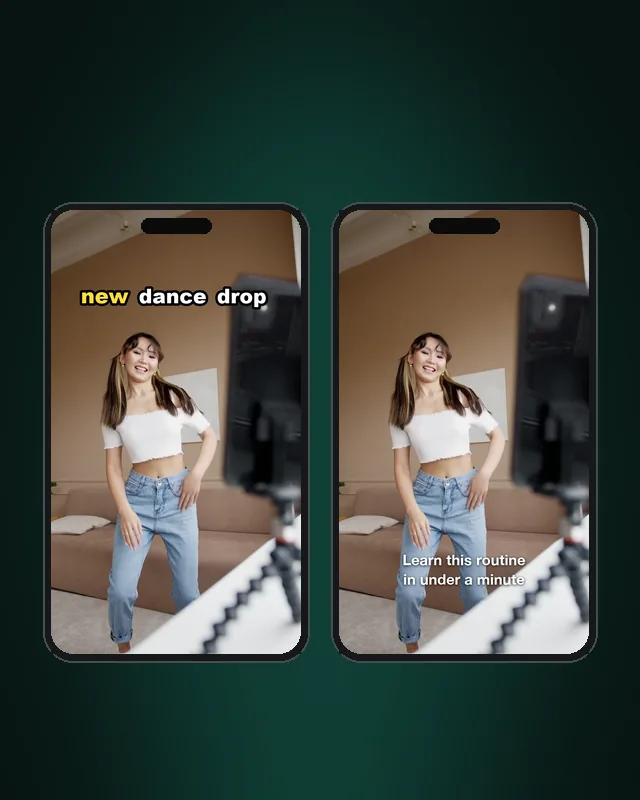
The same dance clip on two phones, captioned in two different styles

Post on another platform

Every app places captions and buttons in a different spot. Start clean and caption each version for the app you post to.
Barista pouring latte art in a clean frame without captions

Keep a clean master copy

Save a caption-free version for future cuts, templates and ads.

Caption Remover from Video FAQ

Remove Captions from Your Video

Upload a clip and let the caption remover from video erase burned-in captions while the scene stays intact.